Best cloud blogging platforms for Obsidian users
A detailed comparison of blog publishing platforms for Obsidian users — workflow, Markdown support, pricing, and features to help you choose the right one.

Obsidian users looking to publish a blog directly from their vault have a few hosted options. Below, we compare the top platforms and how they support an Obsidian-centric workflow, including setup, Markdown features (CommonMark, GFM, Obsidian wiki links, embeds, Mermaid diagrams, and LaTeX math), pricing, key features (search, newsletter sign-ups, sidebars, indices), pros, cons, and ideal use cases.
Flowershow
Workflow
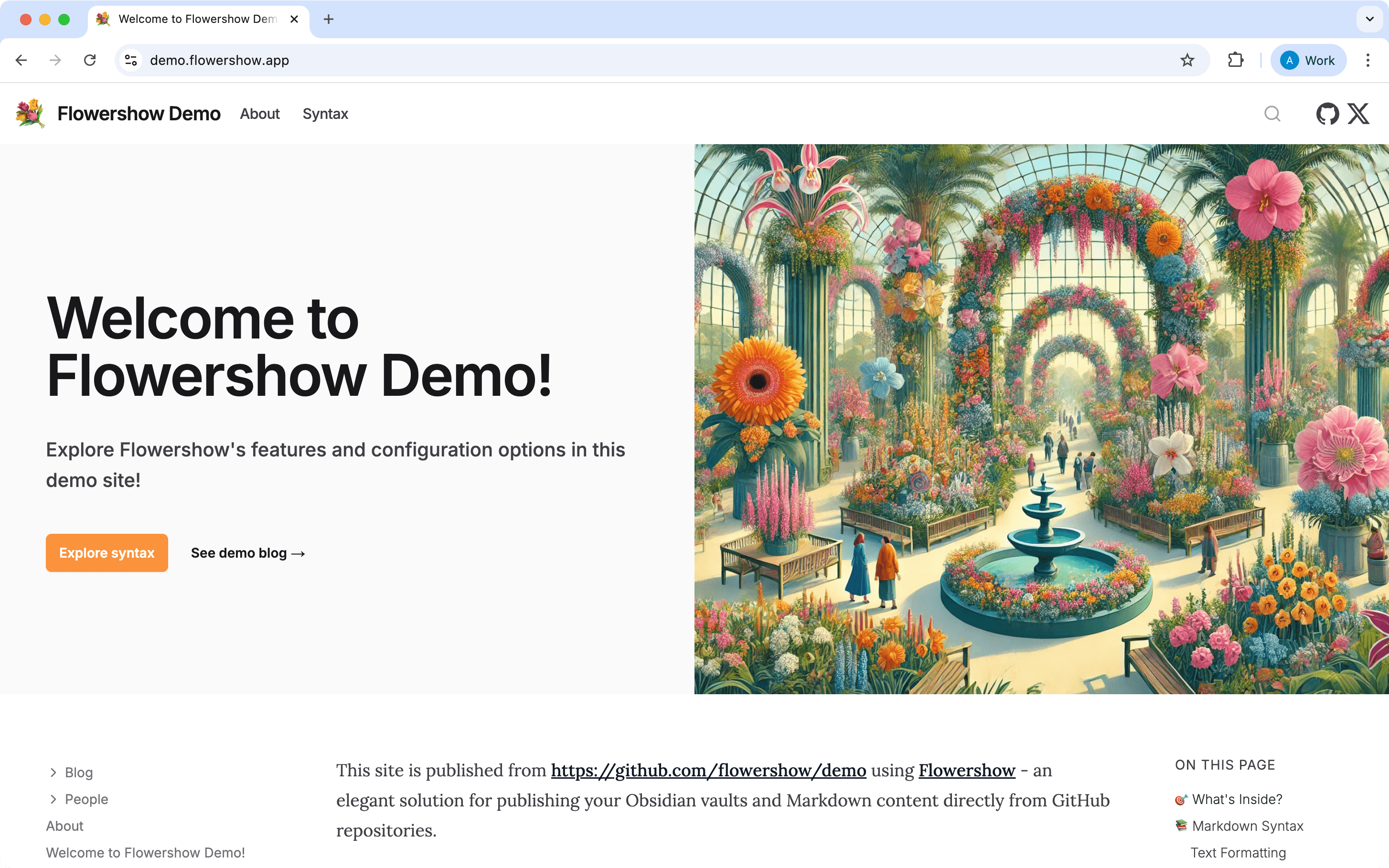
Flowershow is a cloud platform specifically designed to publish Markdown/Obsidian content as a beautiful website. It offers both an Obsidian plugin and a GitHub-integrated workflow. In practice, you create a GitHub repository for your notes and the Flowershow platform will auto-sync the content and build the site. The Obsidian plugin (Flowershow Publish) can help by pushing notes to GitHub for you and tracking which are published. Once set up, your editing remains in Obsidian; whenever you commit changes (or use the plugin to sync), Flowershow regenerates the site. Overall, for a user, the flow is: Write in Obsidian → push/sync to GitHub (with Flowershow Obsidian plugin) → Flowershow auto-updates site.
Markdown syntax support
Flowershow was built with Obsidian users in mind and strives for full Obsidian Markdown compatibility. It explicitly supports CommonMark and GFM specs, plus Obsidian’s extensions like wiki-links, embeds and callouts – essentially all core Markdown and Obsidian syntax. Mermaid diagrams render natively by just including a mermaid code block. Math is supported via KaTeX. One current limitation: Flowershow does not yet support the Obsidian graph view visualization – it focuses on content rendering rather than replicating the entire Obsidian UI. In summary, content compatibility is excellent – you won’t need to rewrite or re-arrange your notes to publish with Flowershow.
Pricing
Flowershow offers a generous free tier. Free plan: USD0/month for a site, which includes all core markdown support and basic site features. The free plan does require you to use a Flowershow subdomain and includes attributions in the footer. The Premium plan is USD5/month (or USD50/year). Premium unlocks using a custom domain, removal of the “Built with Flowershow” branding, and adds advanced features like full-text search for your site. Premium users also get unlimited site size and priority support. Notably, most features are available on free sites – even math, Mermaid, custom styles, and even forms and comments are included in free tier. This makes Flowershow’s free tier very functional for personal blogs or notes, while serious bloggers or businesses can pay a modest fee for professional touches.
Pros:
- Excellent Obsidian syntax support: CommonMark, GFM, wiki-links, embeds, Mermaid, math, callouts, footnotes – all just work. Minimal friction in publishing your notes.
- Rich feature set: Even the free version includes features like comments, forms (for newsletter sign-ups), theme customization, blog indexes, etc., which can make your Obsidian vault feel like a polished blog or documentation site.
- Affordable premium: At USD5/month, you get custom domain, full search, and branding removal – cheaper than Obsidian Publish and on par with Markbase’s paid tier, but arguably with more features.
- Active development: Flowershow is actively developed. You benefit from regular improvements and can get help instantly.
- Auto-sync and Obsidian plugin: Publishing updates is relatively easy after setup. The integration with GitHub means your content is version-controlled too. Non-technical users get a UI-driven setup, and tech-savvy users can customize their workflow.
Cons:
- Initial setup complexity: Compared to Obsidian Publish, Flowershow’s onboarding is a bit more involved. You need a GitHub account and must create a repo for your notes.
- Missing Graph view: If the interactive graph of Obsidian is important to you, Flowershow currently does not provide a graph visualization of your notes on the site (unlike Obsidian Publish or Markbase). It focuses on content and navigation over visual graphs.
- Learning curve for advanced customization: While powerful, using features like custom React components or deeply altering the theme will require technical knowledge. The out-of-box style is nice but might not please everyone (though you can change it with CSS).
When to choose
Flowershow is an excellent choice if you want a full-featured blog or knowledge site and don’t mind a bit of initial configuration. It shines for users who desire Obsidian’s benefits and traditional blogging features like newsletters, comments, and structured indexes. If you have some comfort with tools like GitHub (or are willing to follow step-by-step instructions to set it up), you’ll be rewarded with a very powerful platform at minimal cost. Flowershow is ideal for content creators or small businesses using Obsidian: for example, a personal blog, a documentation site for a project, or an academic digital garden that needs search and taxonomy. Less tech-savvy users can use it too – the interface guides you – but it’s best if you’re not completely allergic to using an extra service (GitHub) during setup. Choose Flowershow if you value extensive Markdown support and blog features and are looking for a cost-effective, community-driven solution.
Obsidian Publish
Workflow
Obsidian Publish is Obsidian’s official hosted publishing service. It requires no technical setup – you simply sign up and use the built-in Publish plugin in Obsidian to select which notes to publish. Once enabled, you can keep writing in Obsidian and with a few clicks push updates to your published site. Your vault’s folder structure and internal links become a website automatically, with Obsidian’s familiar navigation sidebar showing folders and notes.
Markdown syntax support
Obsidian Publish fully supports standard Markdown (CommonMark) and GitHub Flavored Markdown elements (tables, task lists, etc.) since it essentially mirrors Obsidian’s preview. Critically, it supports Obsidian’s wiki-links and embeds out of the box – your wiki-links between notes work seamlessly online. Mermaid diagrams (in mermaid code blocks) and LaTeX math render as they do in Obsidian, since these are core features of Obsidian. However, note that third-party Obsidian plugins (especially those using code fences for things like dataview queries or charts) do not run on Publish, so any content relying on community plugin-specific syntax might not display as expected.
Pricing
Obsidian Publish is a paid add-on, USD8 USD per site per month (annual billing) or USD10 month-to-month. This is charged per published site (vault). There’s no free tier.
Pros:
- Easiest setup: entirely managed solution with no technical skills required.
- Native Obsidian features: supports wiki links, embeds, graph view, backlinks, Mermaid, math, etc., preserving the feel of Obsidian in the browser.
- Instant updates: changes can be published within seconds via the Obsidian interface.
- Customizable look: can use Obsidian themes/snippets for styling.
- Reliable and secure: official service maintained by the Obsidian team, with priority support for subscribers.
Cons:
- Cost: USD96/year per site may be expensive for hobby blogging.
- Limited extensibility: Does not support third-party plugins or dynamic features like comment sections, forms, or certain advanced Markdown extensions (e.g. dataview queries).
- Single site per subscription: If you want multiple separate sites from different vaults, you pay per site (no multi-site bundle).
- No built-in newsletter: Followers can’t “subscribe” via email (but there is a basic RSS feed generated).
- No build-in comments: Visitors can't comment on the content.
When to Choose
Obsidian Publish is ideal if you want the most hassle-free experience and full fidelity with Obsidian’s features. It’s great for publishing a digital garden, wiki, or notes collection where interactive graph and internal links shine. If you don’t mind the subscription cost and don’t need fancy blog-specific features (comments, newsletters), Publish offers a polished experience with minimal setup. Less tech-savvy users who want their Obsidian vault online with just a few clicks will appreciate this official solution. However, if budget is a concern or you need advanced blog features or plugin support, consider the alternatives below.
Ghost
Workflow
Ghost does not natively integrate with Obsidian but you can use a community plugin (Obsidian Ghost Publish) to send a note directly to Ghost as a draft post using the Ghost API. Without the plugin, the common workflow is manual: create a new post in Ghost Admin, switch to Markdown mode (/md command in the editor), then paste the Markdown. Ghost’s editor will automatically convert Markdown to its native format for editing. For bulk publishing of many Markdown files, Ghost provides migration tools and an Admin API that accepts raw HTML or Markdown, but some scripting is required.
Markdown syntax support
Ghost has solid Markdown support built in, but note, that Ghost doesn’t store your posts as Markdown files. Its editor accepts and parses Markdown (or lets you import/export Markdown), but under the hood it converts everything to it's own format and stores that in the database. Most CommonMark and basic GFM elements work (headings, bold/italic, code blocks, links, lists, etc.), but there are a few limitations. Ghost does not support Markdown tables natively (tables must be inserted as HTML or via a specialized card). Nested lists and blockquotes are only partially supported in the editor. Obsidian’s wiki-links are not understood by Ghost out-of-the-box – you would need to manually convert those to normal hyperlinks. Mermaid diagrams and LaTeX math are not supported either; achieving these requires adding custom scripts or using theme modifications (e.g. injecting a MathJax script for LaTeX, or a Mermaid.js script and an HTML card for diagrams). In summary, Ghost handles standard Markdown well but will require workarounds for Obsidian-specific syntax, tables, and advanced extensions.
Pricing
No free tier (aside from a 14-day trial). Pricing is tiered by audience size. The Starter plan is USD9/month (billed yearly) for up to 500 members. The Creator plan is USD25/month (yearly) for up to 1,000 members. Higher tiers like Team (USD50/mo) and Business (USD199/mo) raise member limits (Team still 1,000 members, Business 10,000) and add staff users and support. All plans include the core Ghost features: custom domain, CDN, SSL, etc. Notably, the Starter plan is limited to 1 staff user and 18 free themes only (no custom themes on Starter). Upgrading to Creator or above allows unlimited custom themes and integrations. Ghost does not have a free hosted plan, but you can self-host Ghost for free if you have your own server (this requires technical know-how). For Obsidian bloggers just starting out, the USD9/mo Ghost(Pro) is the entry point (with the constraint of using official themes only on that tier).
Pros:
- Rich all-in-one feature set (memberships, newsletters, analytics, SEO) makes Ghost ideal for turning your blog into a newsletter or community hub.
- Ghost’s user-friendly web editor with formatting cards and live preview lets you refine Obsidian-written content directly in the platform.
- Ghost’s robust theming system and support for custom themes let you create advanced, code-free site designs on higher-tier plans.
- Built-in caching and CDN ensure solid performance and scalability for high-traffic blogs on Ghost’s higher-tier plans.
- As a mature platform, Ghost offers extensive documentation, an active community forum, and official staff support on paid plans.
Cons:
- Lacking native Obsidian integration, Ghost requires a plugin or manual copy-paste for workflow syncing, which can add overhead if the setup glitches.
- Ghost(Pro) starts at USD9/month annually with theme limitations, and costs can escalate quickly with multiple users or large member-billed newsletters.
- For a simple personal blog, Ghost’s extensive features can feel overkill if you only need basic note publishing.
- Obsidian Markdown quirks (e.g., non-rendering tables, unrecognized wiki-links) often require pre-processing or manual edits after pasting into Ghost.
- With Ghost(Pro), your content lives in their hosted database (exportable as JSON/HTML), unlike Blot which retains your source Markdown files locally.
When to choose
Choose Ghost if you need a full-featured publishing platform and don’t mind some added complexity. It excels at scaling larger projects—think newsletters with thousands of subscribers, membership content, or multi-author publications—while offering built-in SEO, search, and professional support. Ghost’s theming system beautifully presents polished, long-form Markdown articles and integrates blog, newsletter, and membership in one place. Just be prepared to bridge the Obsidian-to-Ghost workflow (via a plugin or copy-paste) and factor in the platform’s cost and learning curve.
Blot.im
Workflow
Blot is designed for file-based publishing. It “turns a folder into a website". The workflow is simple: you sync a folder (via Dropbox, Google Drive, Git, or iCloud) with your Blot blog, and any Markdown files in that folder become blog posts automatically. For Obsidian users, this means your Obsidian vault (or a subset of it) can be your blog – just save or drag-and-drop a Markdown file into the synced folder and it publishes.
Markdown syntax support
Blot’s parser fully supports CommonMark/GFM features like tables, footnotes and strikethrough, and it natively resolves Obsidian wiki-links to the correct URLs. Math works out of the box via built-in LaTeX rendering. Mermaid diagrams aren’t rendered by default, but you can enable them by adding the Mermaid JS script to your theme or post head. Images and other standard Markdown syntax just work—drop them in and Blot handles the rest. Overall, it feels like an Obsidian extension for technical blogging with minimal setup.
Pricing
Blot keeps pricing simple – there is one plan at USD6 per month per site. This includes hosting, all features, and support. You can create multiple sites, and each would be USD6/mo. There’s no free tier, but Blot’s source code is open source (AGPL), so technically you could self-host it for free; however, most users will opt for the hosted service for convenience. Blot allows an annual payment after signup if you prefer (with no discount mentioned, it would be USD72/year). All features (publishing via folder, templates, etc.) are included at the USD6 price – there are no higher tiers. This flat pricing is quite affordable compared to Ghost and Micro.blog’s higher plans. Keep in mind Blot doesn’t impose member limits or anything, since it doesn’t have membership features built-in. It’s just one price for the blog.
Pros:
- Blot.im seamlessly publishes your Obsidian Markdown files—including wikilinks and relative links—by simply saving them in a watched folder.
- Publishing is as easy as saving a file, with instant automation via Dropbox/Git and no dashboard required.
- At USD6/month you get generous storage, a 1 TB/year bandwidth soft limit, and direct developer support.
- It accepts multiple file types (Markdown, Word, Google Docs, Jupyter Notebooks), so you can drop in content from any source.
- You retain full control and local copies of your content, with easy export options if you decide to move on.
- Built-in LaTeX and advanced Markdown support make it feel like an extension of Obsidian for technical blogs.
Cons:
- Blot is a minimalist static-site service with no native comments, search, newsletter, scheduler, or analytics—you’ll need to add those yourself.
- Customizing design beyond basic templates requires editing HTML/CSS, which can be challenging for non-technical users.
- Managing large media like videos or galleries demands manual folder organization to prevent unwanted posts.
- As a one-person project, Blot has a smaller user base and fewer tutorials, themes, and plugins compared to larger platforms.
When to choose
Blot.im is perfect if you want your Obsidian vault to power your website with zero friction—just write in Obsidian and it publishes automatically, no web editor required. It natively respects inter-note links, wiki-style docs and math formulas, making it ideal for digital gardens, research journals or Zettelkasten blogs. Its low cost and simplicity are a boon for students, researchers and hobbyists who prize control over Markdown files. If you need built-in email signups, comment moderation or polished templates without tinkering, though, Blot may not cover every need.
Micro.blog
Workflow
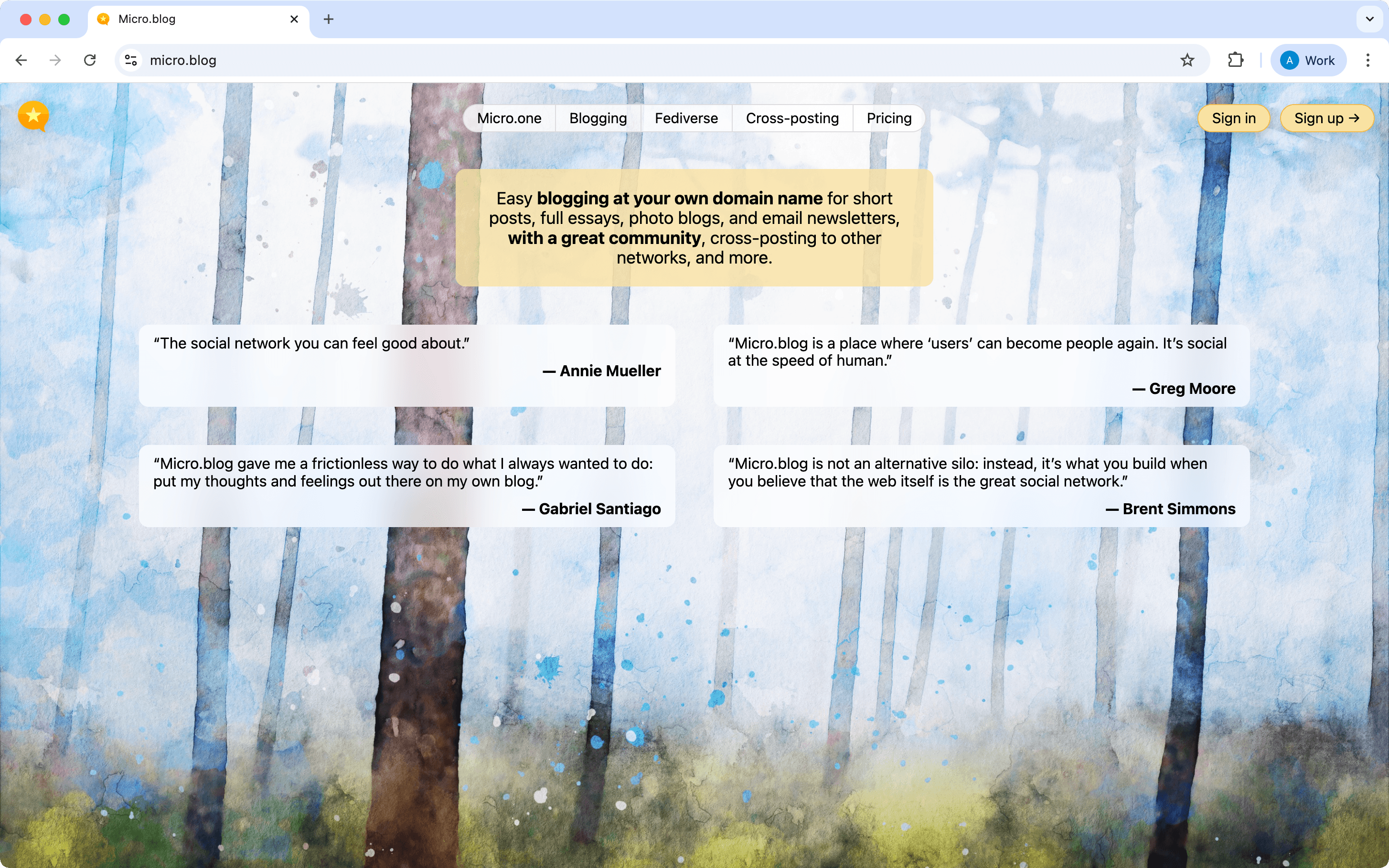
Micro.blog is a hybrid of a blogging platform and a social network. You can publish your content through Micro.blog web editor, or API. For Obsidian users wanting automation, Micro.blog supports the Micropub API and has a community plugin called Micro.publish that lets you publish notes from Obsidian to your Micro.blog-hosted site with one command. Content you publish appears on your blog and in the Micro.blog social timeline for others to read.
Markdown syntax support
Micro.blog’s publishing system is based on Hugo (a static site generator), which means it supports Markdown (CommonMark via Goldmark) and many GFM extensions. Obsidian’s wiki-links are not natively supported on Micro.blog. The Obsidian Micro.publish plugin may eventually handle such conversion, but currently you’d need to replace wiki-links with standard Markdown links. Mermaid diagrams are not directly supported out-of-the-box. However, because you can use custom Hugo templates or plugins on Micro.blog (with the USD5/mo plan or above), it’s possible to enable Mermaid via a Hugo Diagrams render hook or a shortcode. For LaTeX math, Micro.blog similarly has no native support, but you can add MathJax via a theme customization. In summary, Micro.blog handles basic Markdown well, including GFM elements, but requires custom theme work for advanced features (diagrams, math). Users on the lower-tier plan (which doesn’t allow custom themes) might be limited to simpler Markdown.
Pricing
- Micro.one (USD1/mo): Hosted microblog on your domain (or username.micro.blog) with posts via web/apps, photos, short videos, basic podcast support, custom CSS—but no cross-posting or theme editing.
- Standard (USD5/mo): Everything in Micro.one plus automatic cross-posting to major networks and full custom-theme support.
- Premium (USD10/mo): Includes Standard features, up to five blogs, and built-in email newsletters.
- Family (USD15/mo): Premium plan plus posting access for up to five collaborators.
- Annual Discount: Save roughly 15–20% by choosing yearly billing.
Pros:
- Integrated Social Experience: Posts appear in a friendly, federated timeline (including Mastodon via ActivityPub), making discovery and interaction effortless.
- Ease of Use: Publishing short-form updates is as simple as tweeting via the web or official apps, lowering friction to share quick thoughts.
- Cross-Posting: Auto-syndicates your content to Twitter (X), Mastodon, Tumblr, Medium, LinkedIn, and more with a single click.
- Adaptable Length: Handles untitled micro-posts and titled long-form articles on the same site without extra setup.
- Newsletter & Podcast in One: Premium plans let you send posts as email newsletters and host podcasts with auto-generated RSS feeds.
- Low Cost Entry: Plans start at USD1/month (with the USD5 tier unlocking theming and integrations), making it budget-friendly.
- Content Ownership & Export: Offers Markdown/JSON exports and Hugo-based portability so you retain full control of your content.
Cons:
- Minimalist Editing: The simple web editor lacks advanced WYSIWYG features, making heavy long-form drafting more cumbersome than Ghost or local Obsidian.
- Limited Advanced Formatting: Complex HTML embeds and footnotes are stripped unless you build custom templates, confining you to basic Markdown.
- Requires Hugo Knowledge: Serious theme customization demands learning Hugo templating, which can be a steep barrier for non-developers.
- Fragmented Content vs. Vault: Posts made outside Obsidian (e.g., via mobile apps) won’t sync back automatically, risking split repositories of your writing.
- Social Feed Distraction: The built-in community timeline may feel like a distraction if you prefer a quiet, standalone blog focused solely on long-form content.
When to choose
Choose Micro.blog if you want a seamless blend of microblogging and long-form posts—Obsidian users can write locally and publish via the Micro.publish plugin. It provides a built-in indie blogging community, effortless cross-posting to Twitter, Mastodon, and more, plus optional newsletters with a simple upgrade. With moderate monthly pricing, it sits between Ghost’s heavier infrastructure and Blot’s barebones setup. Its social features and feedback-friendly audience make it ideal for sharing quick thoughts, linklogs, and work-in-progress ideas. If you only publish infrequent, structured articles, however, Ghost or Blot might suit you better.
HashNode

Workflow
You can publish Obsidian notes to Hashnode in several ways: push your vault to a GitHub repo (e.g. using Obsidian Git Plugin), connect it to your Hashnode site with the “Publish from GitHub” integration (Pro plan only), and Hashnode will auto-publish on each push. Alternatively, use a GitHub Actions workflow that, on every push invokes the Hashnode API with your personal token to create or update articles.
Markdown syntax support
Hashnode supports CommonMark and GitHub-flavored Markdown—including tables, task lists, and fenced code with syntax highlighting—and honors YAML frontmatter. While Obsidian-style wiki-links and embeds must be converted to standard links, you can embed Mermaid diagrams in mermaid blocks and render LaTeX math. Callouts, footnotes, and Obsidian-specific syntax aren’t natively styled, so minor preprocessing is required for those elements.
Pricing
On the Free plan you get unlimited posts, a custom domain, basic analytics, newsletter tools, and GitHub backups at no cost (with Hashnode branding). The individual Pro upgrade (~ USD7/month or USD70/year) removes branding, unlocks advanced AI features, and enables official GitHub publishing. The Startup plan (USD199/month) adds team seats, collaborative editing, custom CSS, and built-in GitHub integration. Enterprise pricing is custom and includes SSO, SLAs, and unlimited users.
Pros:
- Seamless Markdown support (code, math, diagrams) with multiple publishing routes
- Free custom domain, global CDN, and built-in newsletter/email subscriber management
- Strong developer community reach and SEO/analytics out of the box
- Content ownership guaranteed via export tools and GitHub backups
Cons:
- Publishing from GitHub is only available on the Pro plan
- Obsidian-specific syntax (wiki links, embeds, callouts) needs manual conversion
- No native on-site search for readers without custom workarounds
- Full theming/custom CSS often requires paid tier or ambassador access
- Platform dependence means limited control vs. self-hosted or purely file-based blogs
When to choose:
Hashnode is ideal if you write technical or developer-focused content in Obsidian but want a hassle-free, feature-rich blog and newsletter platform. It shines for those who prefer writing locally in Markdown yet need community reach, built-in email distribution, and automatic backups. If you require advanced theming, reader search, or complete self-hosting control, however, a static-site generator or self-hosted CMS may be a better fit.
Did you spot something that’s out of date or not quite right? Let us know in the comments below—we’ll update it ASAP! Even better–click on the "Edit this page" button below and contribute!