Obsidian Publish Alternatives
What options are there for publishing your Obsidian vault? We review the main ones, paid and free, cloud and self-hosted.
Here we review the existing options for publishing an Obsidian vault, including official Obsidian Publish and the major alternatives.
In general, the main division is between cloud approaches where the site creation and hosting are done for you (like Obsidian Publish and Flowershow) and self-hosted options where you build and host the published site yourself.
Amongst the self-hosted options there are roughly three main methods:
- Static site generator (e.g. Quartz) where you generate the site from the markdown files in the Obsidian vault
- Obsidian plugin where site rendering is done within a plugin
- Scripted conversion to a static site (usually python)
Options
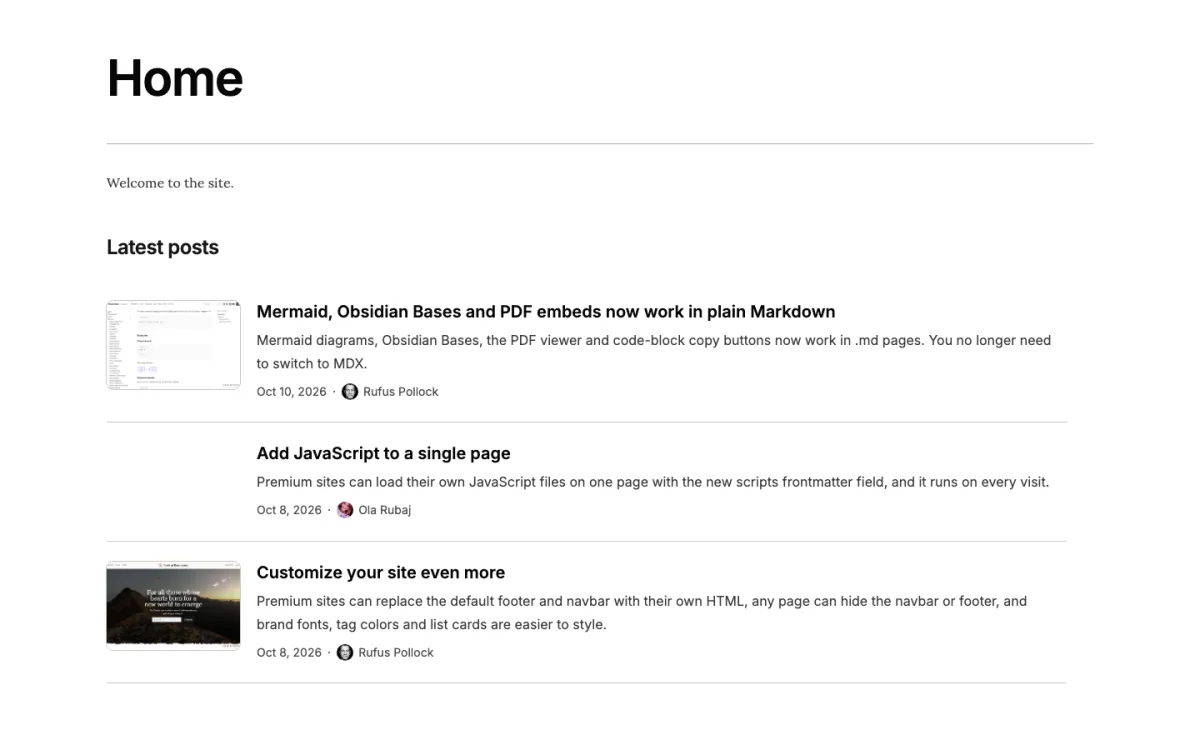
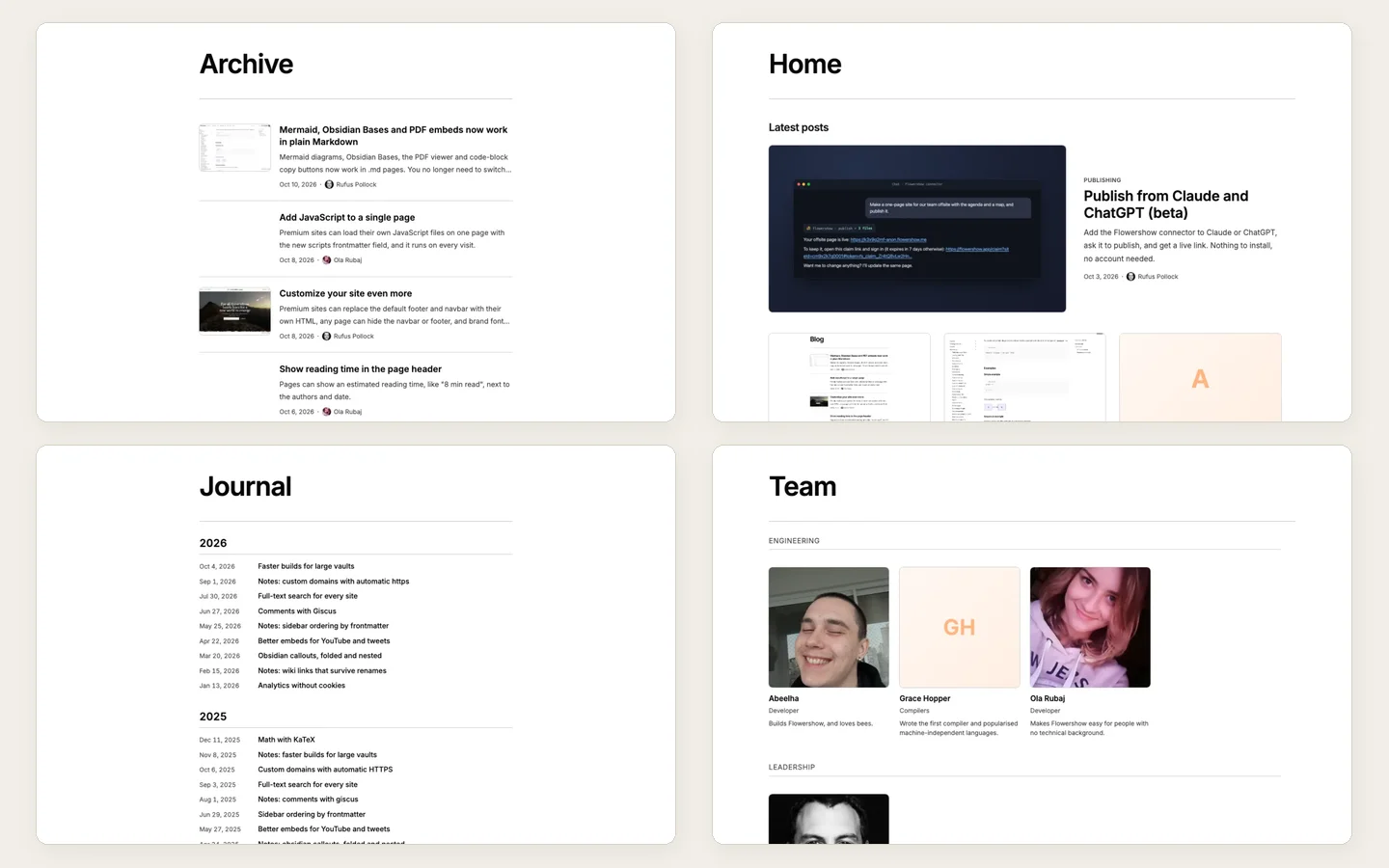
Flowershow
A cloud platform that turns your markdown into an elegant website. Publish from Obsidian, GitHub, or the terminal. Free to use with a premium upgrade for custom domains and advanced features.
- 🔗 https://flowershow.app/
- 💤 Active
- 💰 $0/month (premium: $5/month)
Pros
- Full compatibility with Obsidian syntax and features e.g. math, mermaid diagrams etc
- Cloud hosting so nothing to install and maintain.
- Elegant default theme
- Fully customizable design
- Blog support
- Obsidian plugin as well as direct publishing
- Can select what notes you want to publish
- Sidebar
- Commenting (via giscus)
Cons
- Missing graph view of note linkages
- No dataview support
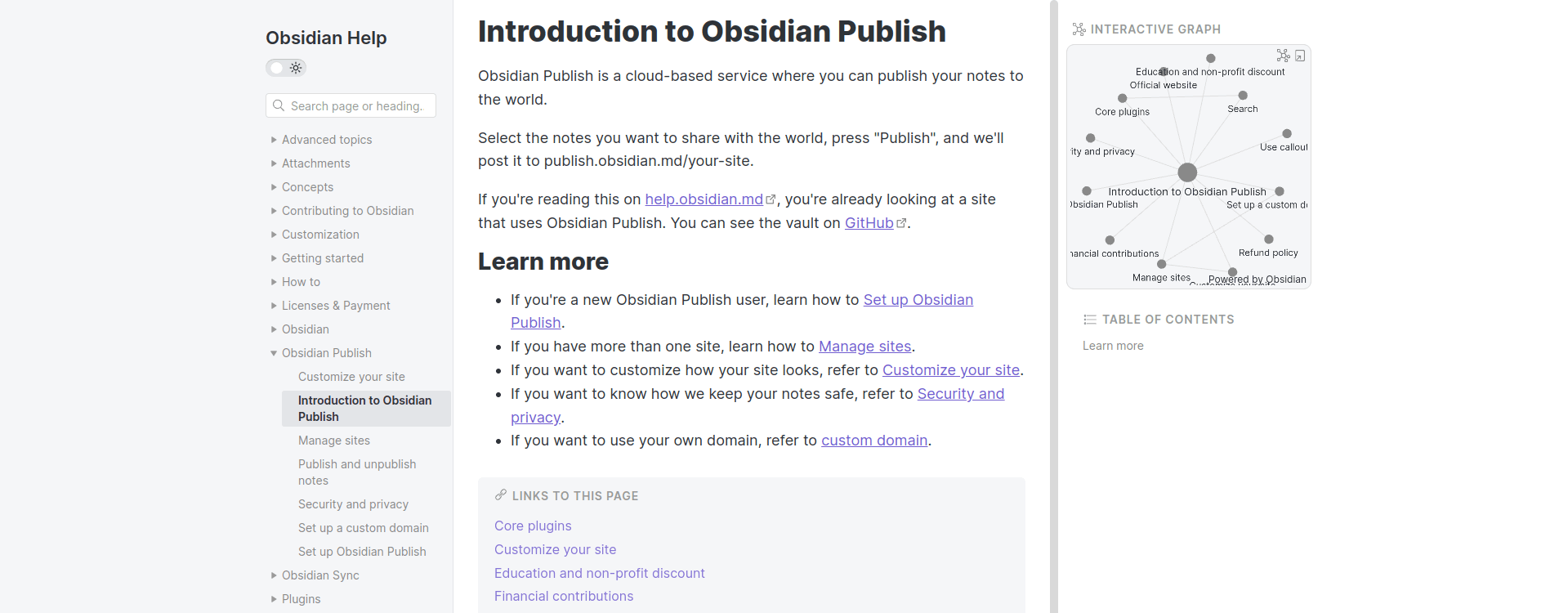
Obsidian Publish
The official obsidian publish plugin.
- 🔗 https://help.obsidian.md/Obsidian+Publish/Introduction+to+Obsidian+Publish
- 💤 Active
- 💰 $20/month (update (2025): now $8/month, though with sync
Pros
- previews on hover
- Andy's sliding windows
- graph view
- possible password protection
- in form of Obsidian plugin
- you can select the notes you want to publish (set in frontmatter)
- you can toggle some UI elements like graph or sliding windows
- sidebar with collapsable groups of notes (no nesting, only grouping)
- light/dark theme
- readers comments (planned feature)
Cons
- costly ($20/month or $198/year) and no self-hosting option
- not very customizable: you can use community themes (same as for desktop app) and tweak them or create your own
- not website-like look, just like an online version of Obsidian
- no dataview support
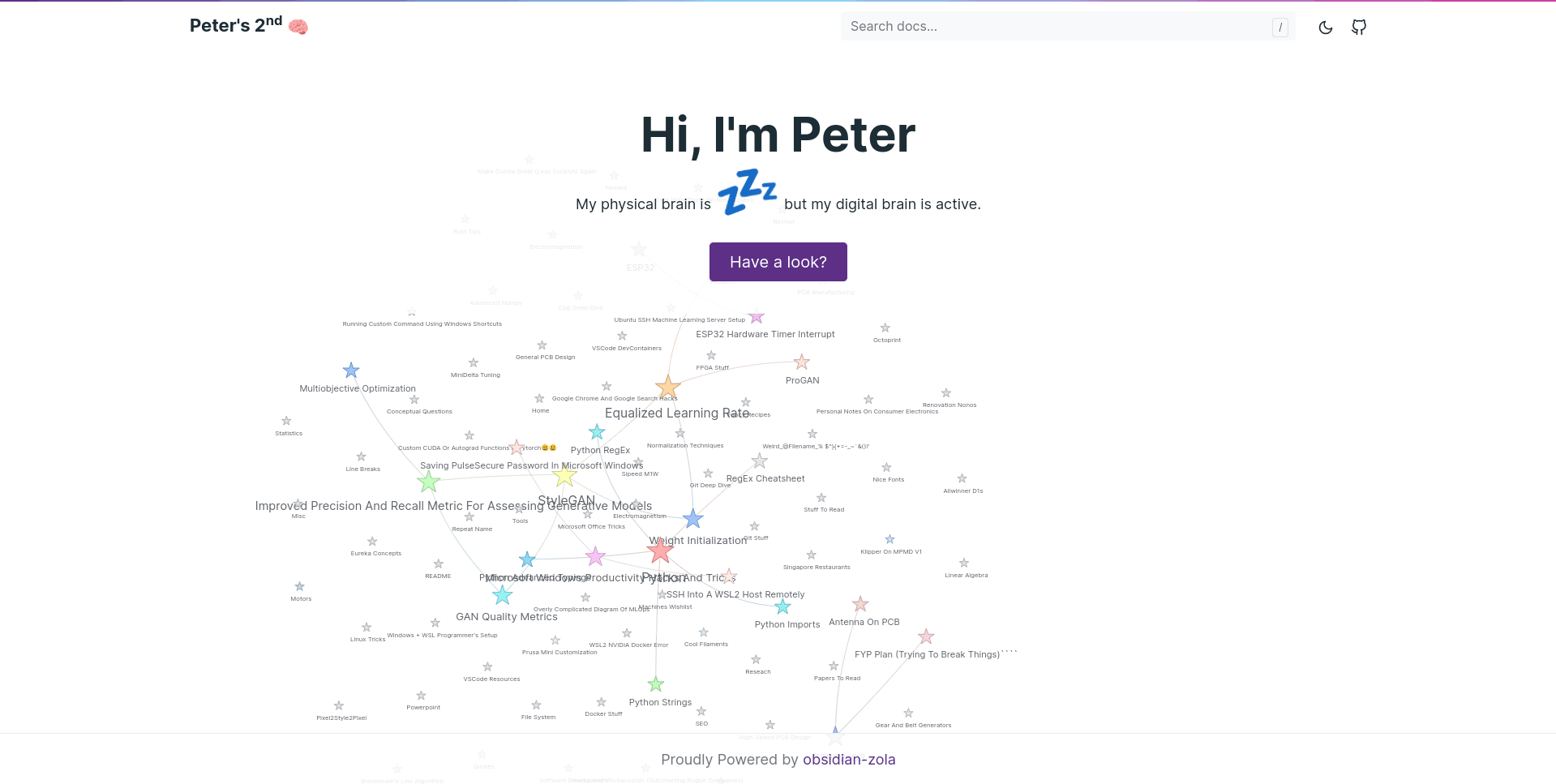
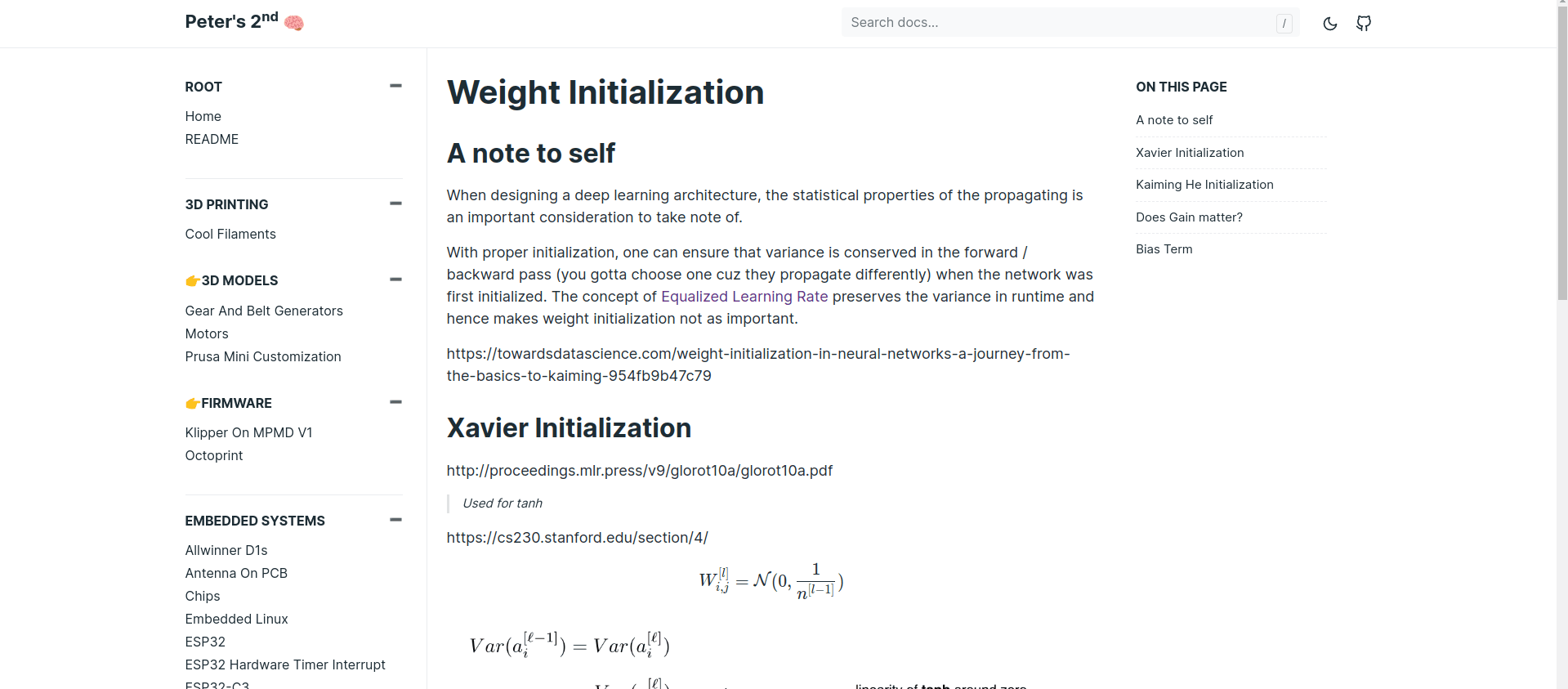
obsidian-zola
A no-brainer solution to turning your Obsidian PKM into a Zola site.
- 🔗 https://peteryuen.netlify.app/
- 📣 Jan 2022 - https://www.reddit.com/r/ObsidianMD/comments/s2vecw/a_quick_way_to_share_your_obsidian_pkm/?utm_source=share&utm_medium=web2x&context=3
- ⭐ 241 https://github.com/ppeetteerrs/obsidian-zola
- 💤 Still developed
- 💻 Python + some static CSS and JS
Pros
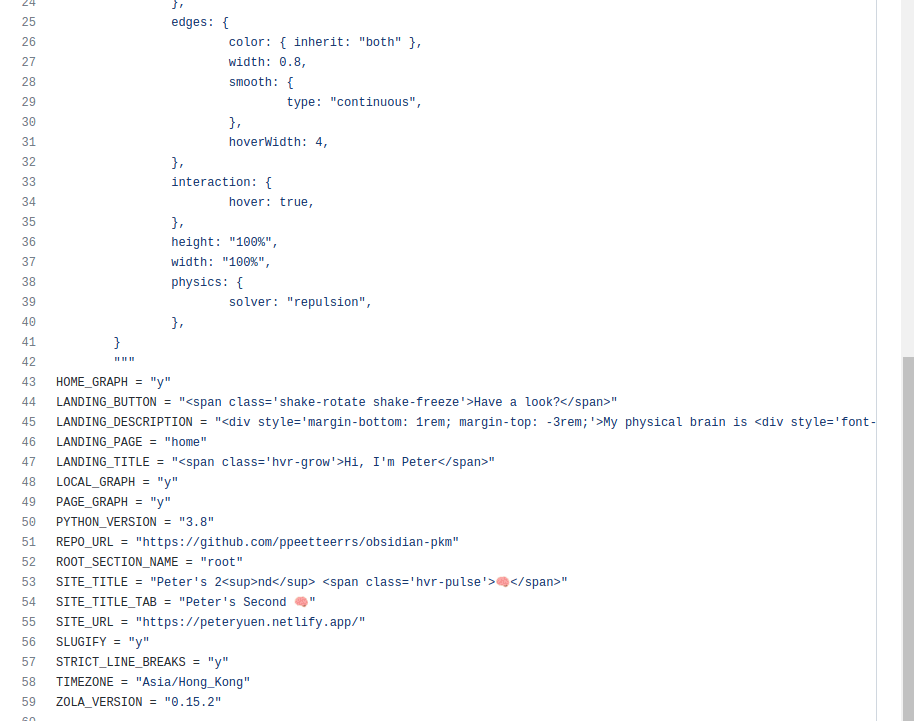
- one-file setup and very easy to publish on netlify: only requires
netlify.toml(with content copied from their example) to be added to Obsidian vault (+ of course Netlify setup) - the above file also serves as a config file (see screenshot below), so you pass all the config as environment variables (not sure what are benefits/drawbacks of this)
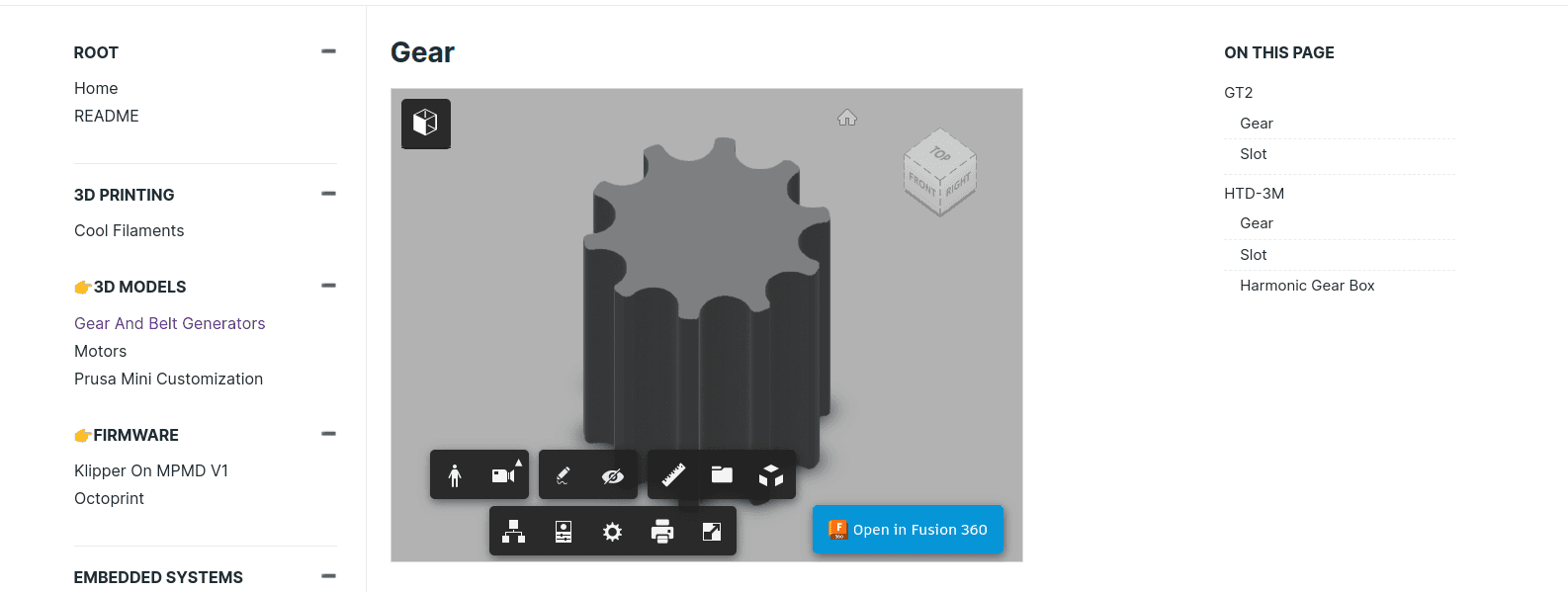
- Fusion 360 embeds
Cons
- looks like Obsidian (on purpose, the author wanted to keep it simple)
- you can only configure a few elements on the page (again, using netlify.toml, where you can even write some HTML strings, which is a bit weird…)
Perlite
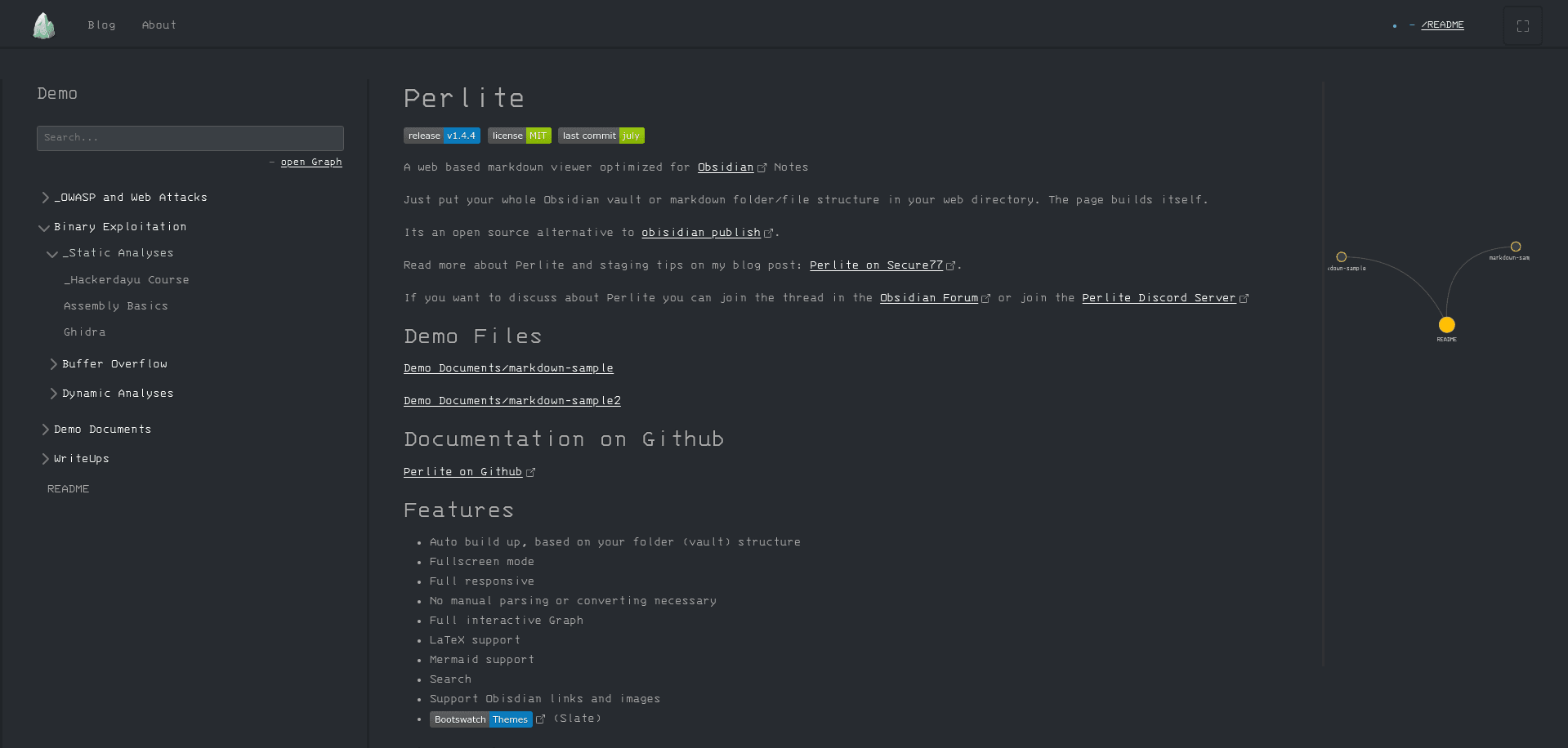
A web-based markdown viewer optimized for Obsidian
- 🔗 https://perlite.secure77.de/
- 📣 Jul 2021 - https://forum.obsidian.md/t/perlite-publish-your-notes-to-your-own-web-server/21712
- ⭐ 219 https://github.com/secure-77/Perlite
- 💤 Active (commits in last month)
- 💻 PHP
Pros
- has a Discord server with ~40 members
Cons
- looks like Obsidian copy, but more geeky, raw
- doesn't really allow for customizations
- it's PHP 😛
- may not be obvious for people unfamiliar with PHP, docker or programming whatsoever how to run and configure this
Pubsidian
An Obsidian-Publish alternative that's free. Static export via python script.
- 🔗 https://yoursamlan.github.io/pubsidian/
- 📣 Jul 2021 - https://forum.obsidian.md/t/pubsidian-free-and-elegant-obsidian-publish-alternative/21825
- ⭐ 162 https://github.com/yoursamlan/pubsidian
- 💤 Active
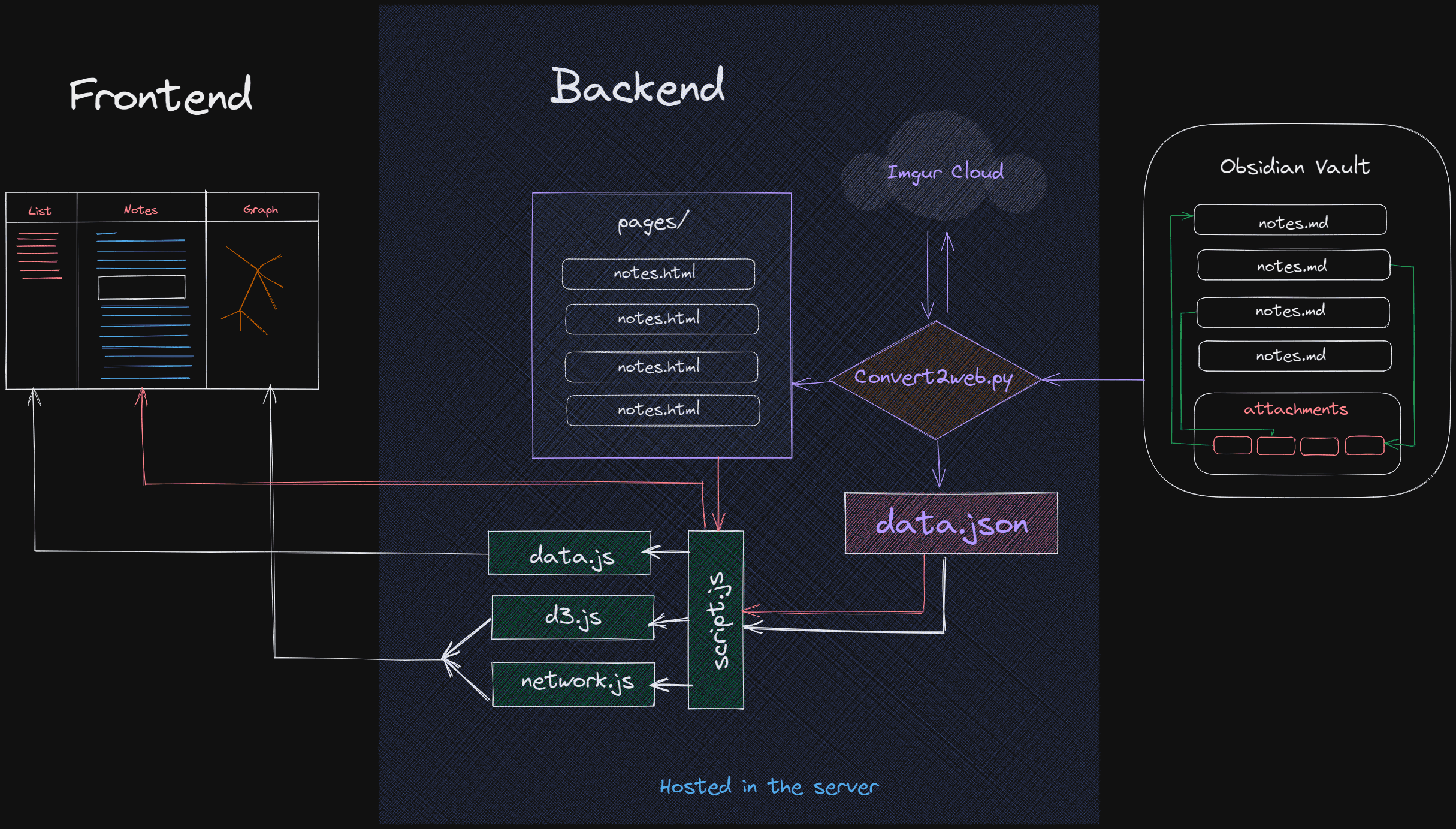
- 💻 static export via python script with vanilla JS (+D3.js)
Pros
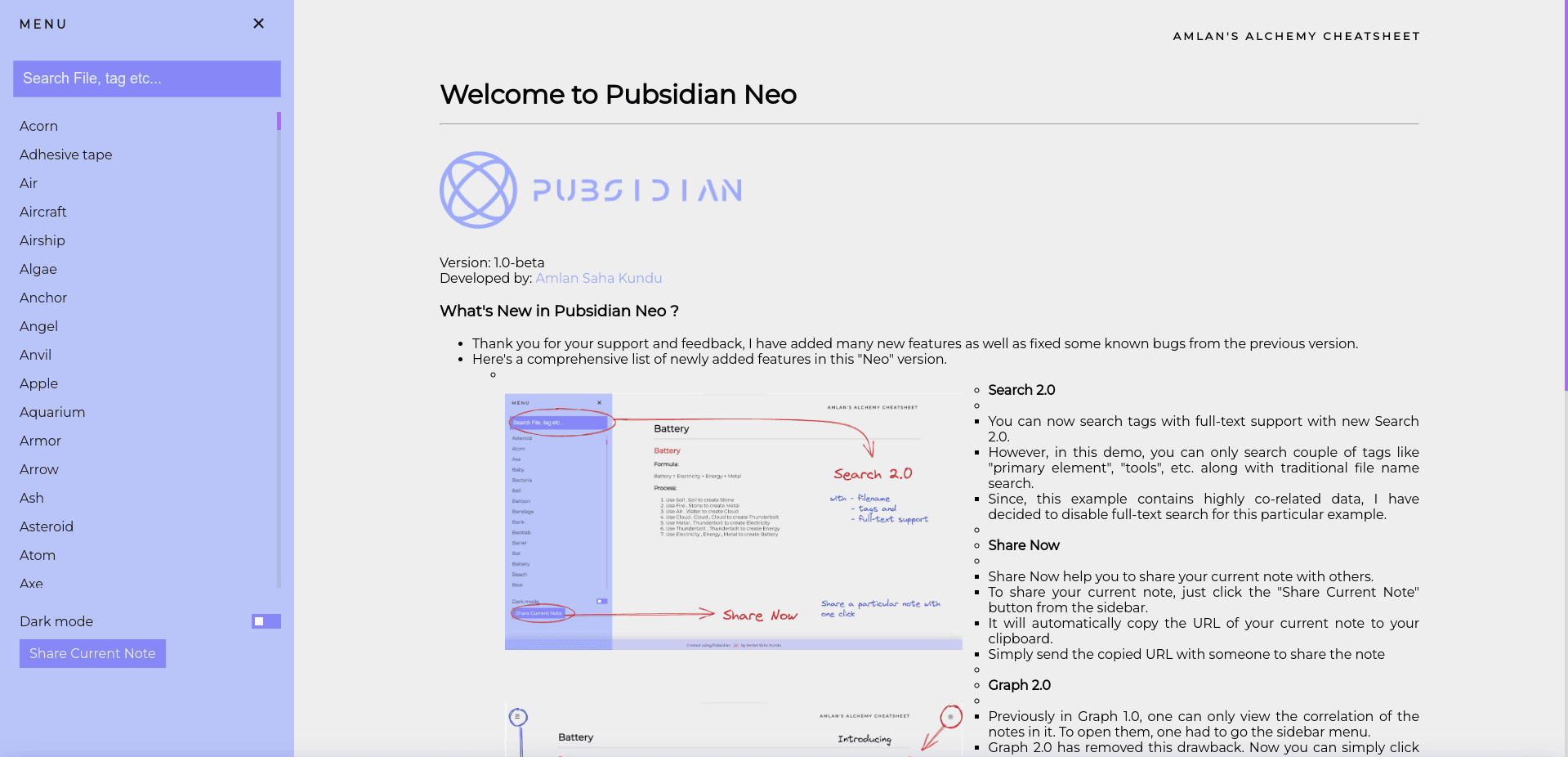
- has a simple GUI program (for Windows) that you can run inside the folder you want to publish; you can set the name and assets folder; it will convert your content dir to static siteoutput dir (HTML, JS) and drag and drop your output directory in netlify
- search: full-text but also filename, tags
- button "Share now" to share current page
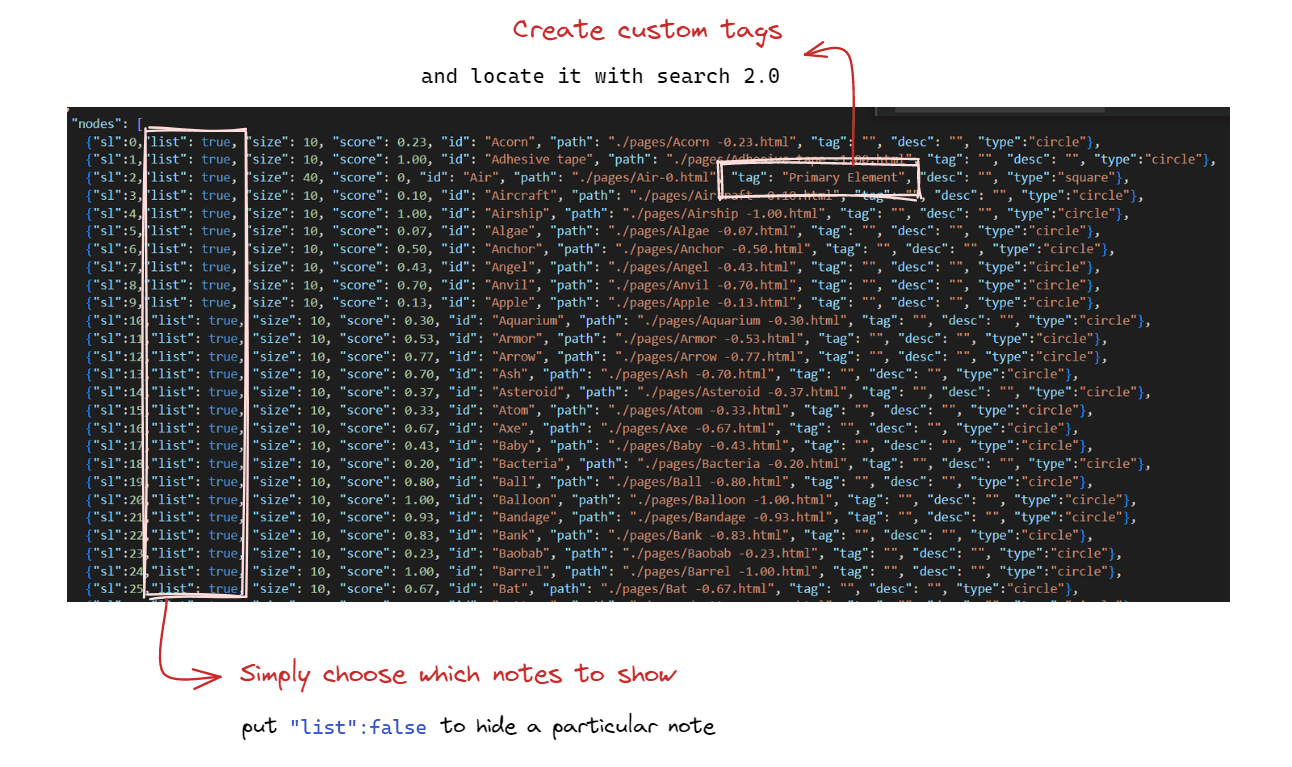
- flexibility to choose the notes to list in pubsidian
Cons
- raw look, not website-like
- menu is just an alphabetical list of all notes
- graph can't handle too many nodes
- if you want to set some tags or unpublish a note you need to find it in a list of nodes (autogenerated)
MindStone
Free Obisidian Publish alternative, for publishing your digital garden.
- 🔗 https://mindstone.tuancao.me/
- 📣 Apr 2020 - https://forum.obsidian.md/t/a-free-open-source-obsidian-publish-alternative/36178
- ⭐ 130 https://github.com/TuanManhCao/digital-garden
- 💤 Semi-active (last commit 4m ago, build broken)
- 💻 Next, React, D3
Pros
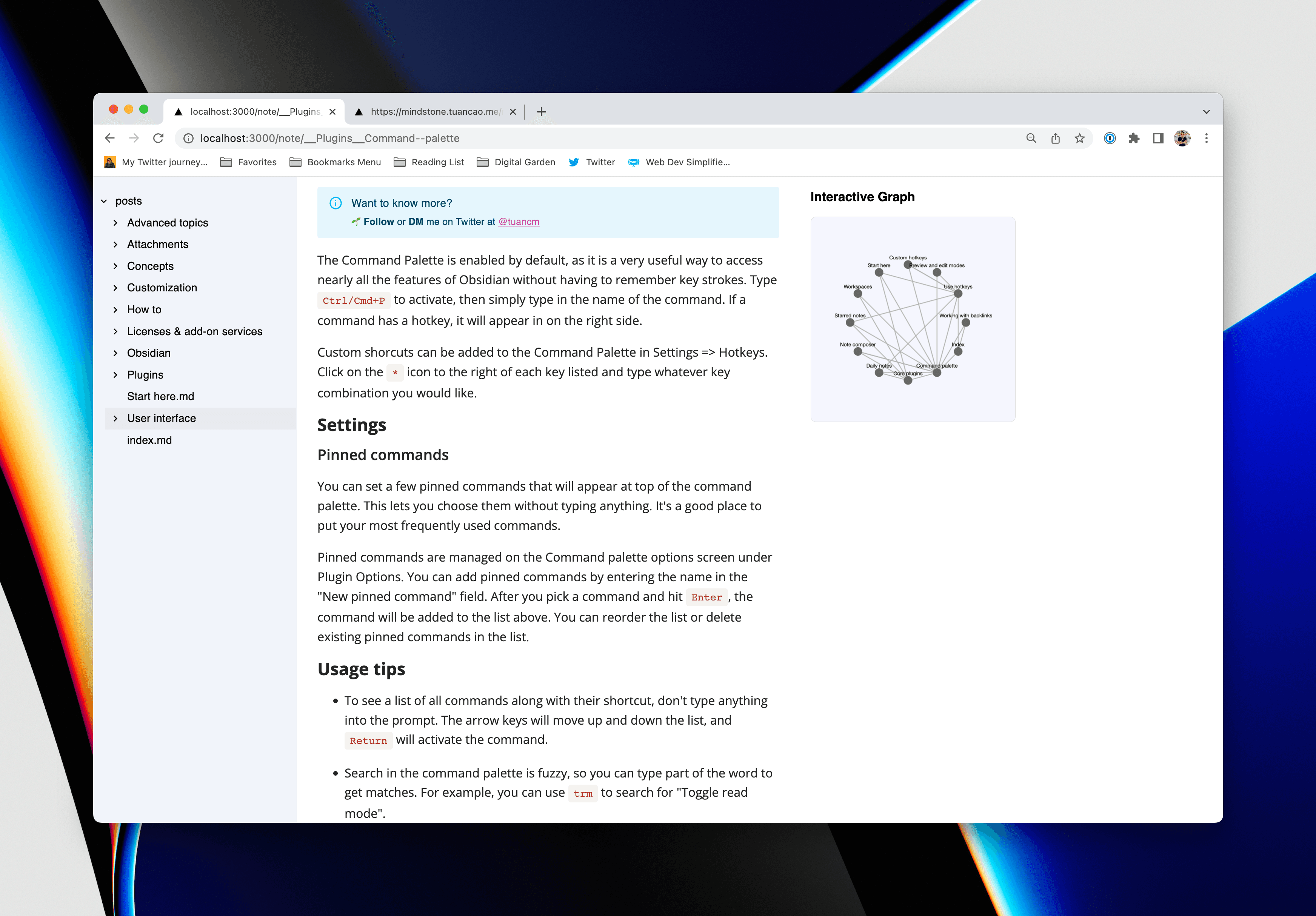
- backlinks support
- graph view
- walkthrough video on yt
- rather simple setup - its just npm (although in the docs it says you need to copy content/images over to the project)
Cons
- not customizable
- transclusion is not working yet
- graph view doesn't work very well (reportedly)
Planned features
- Obsidian, Notion, VSCode Plugin (maybe)
- previews
- Andy's sliding windows
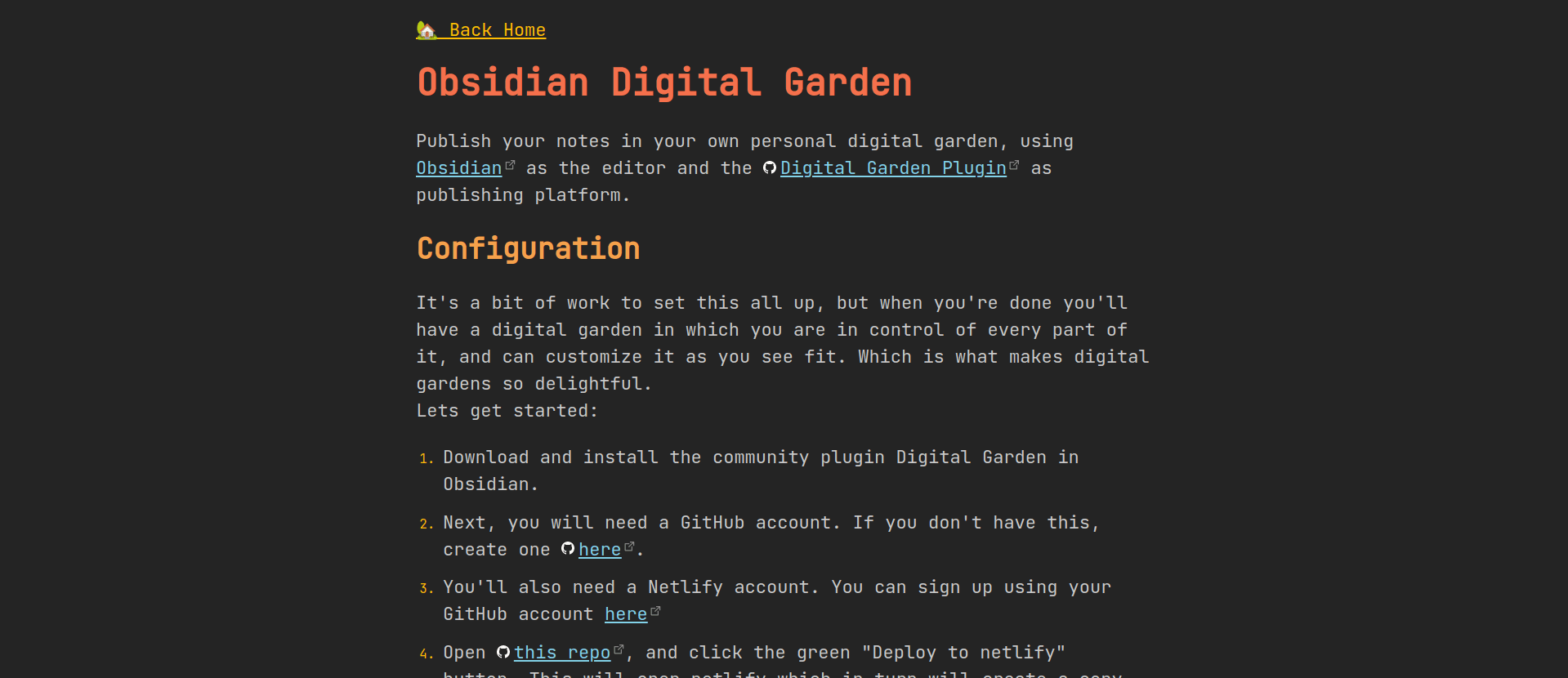
Obsidian Digital Garden
An obsidian plugin that builds your digital garden and publishes to netlify
- 🔗 https://notes.ole.dev/set-up-your-digital-garden/
- ⭐ 123 - https://github.com/oleeskild/obsidian-digital-garden
- 📣 Dec 2021 (based on github commits)
- 💤 Yes (commits in last month)
- 💻 JS (obsidian plugin)
Pros
- Obsidian plugin
- transclusions
- dataview queries (?)
- PlantUML diagrams
- Excalidraw embedding
- Image embedding
- supports applying any community obsidian theme
- per-note settings with front-matter + global settings
- publication center?
Open Publication Center: This command behaves the same as the ribbon icon. It will open the publication center where you can view a list what files are published, changed, deleted and not yet published.
- you can "Update site to latest template" with a button
Cons
- looks very geeky, raw
- only customization you can make is to fork and tweak
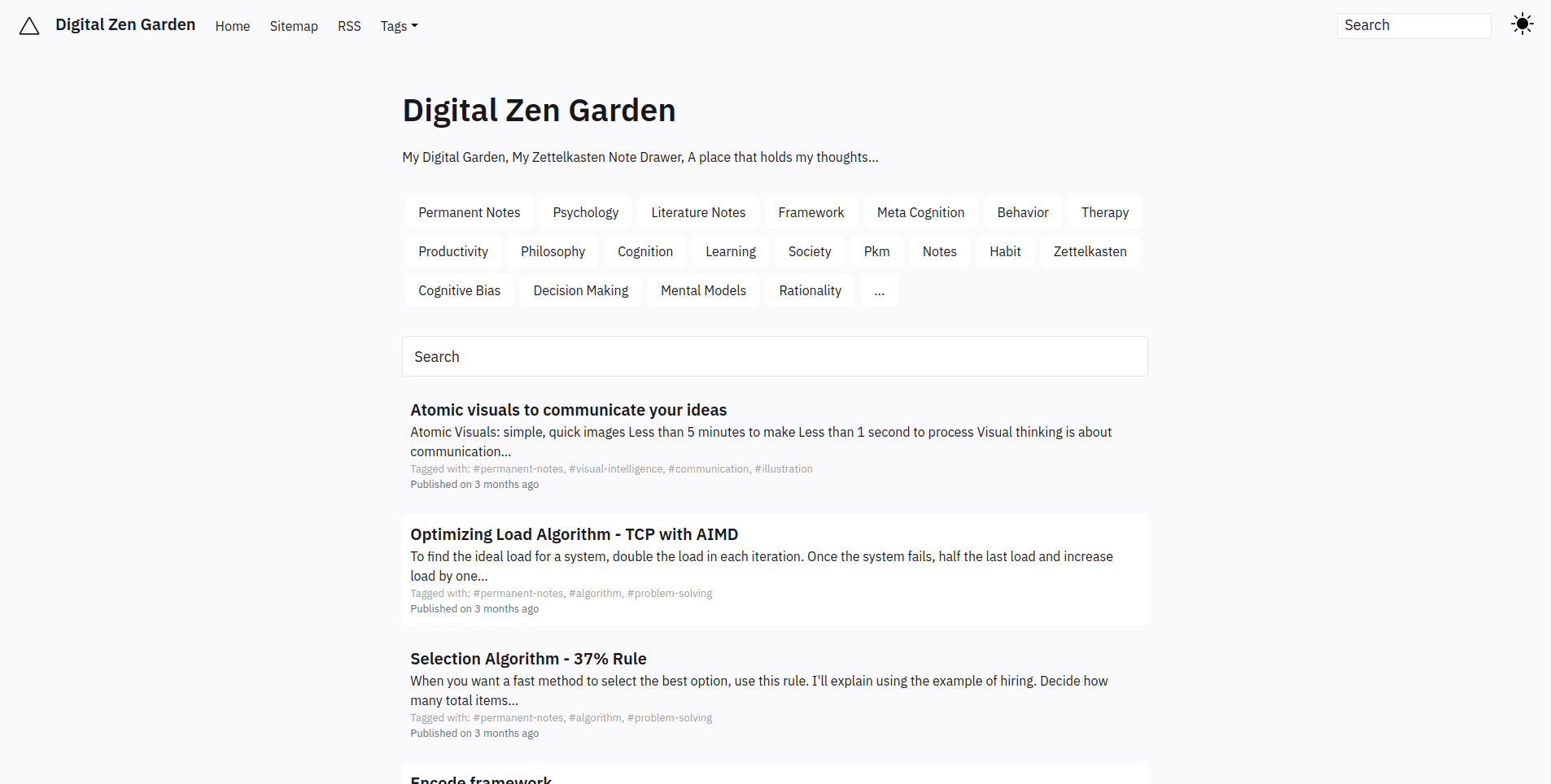
Gatsby Garden
A Digital Garden Theme for Gatsby. Gatsby Garden lets you create a static HTML version of your markdown notes
- 🔗 https://notes.binnyva.com/
- ⭐ 90 - https://github.com/binnyva/gatsby-garden/
- 📣 Aug 2021 - https://forum.obsidian.md/t/gatsby-garden/22054
- 💤 Semi (last commit 4m ago. Original work ~2y ago)
- 💻 JS static renderer (via gatbsy).
Pros
- RSS feed auto generated (?)
- sitemap autogenerated (?)
- page tags
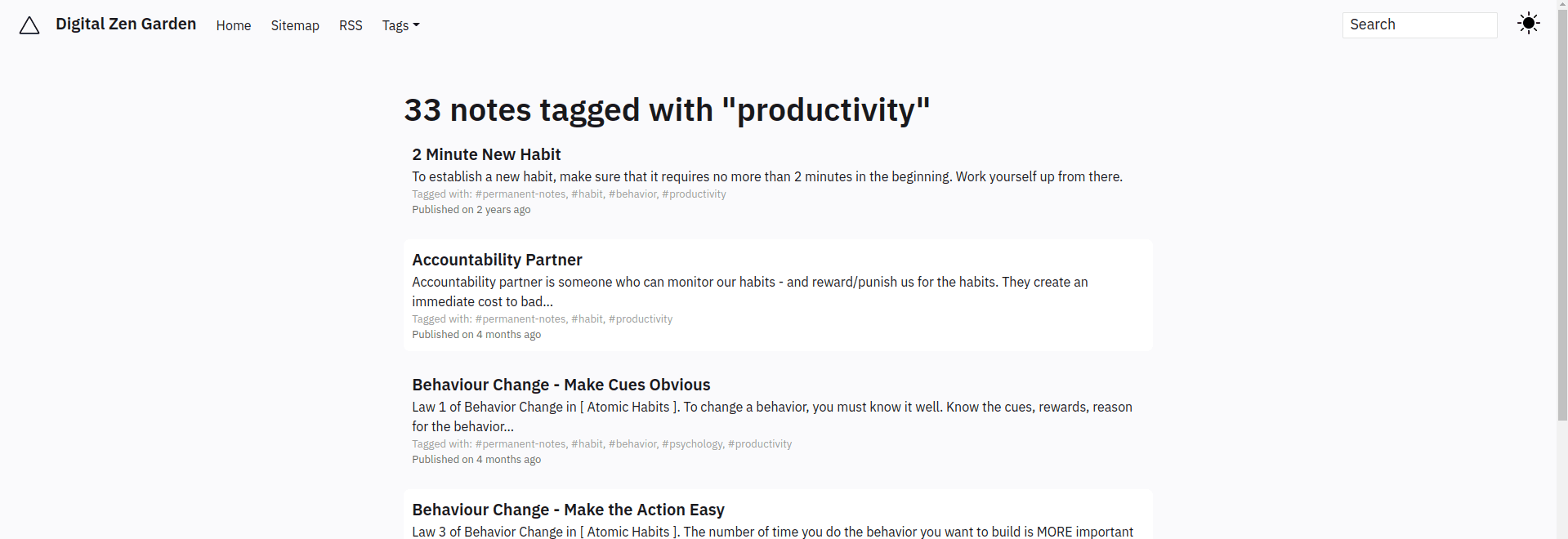
- some meta data of the page

Cons
- customization: just some basic config options (site metadata, navbar) in a
jsconfig file; if you want to change the look or behavior you need to make changes directly to to source code (fork & tweak)
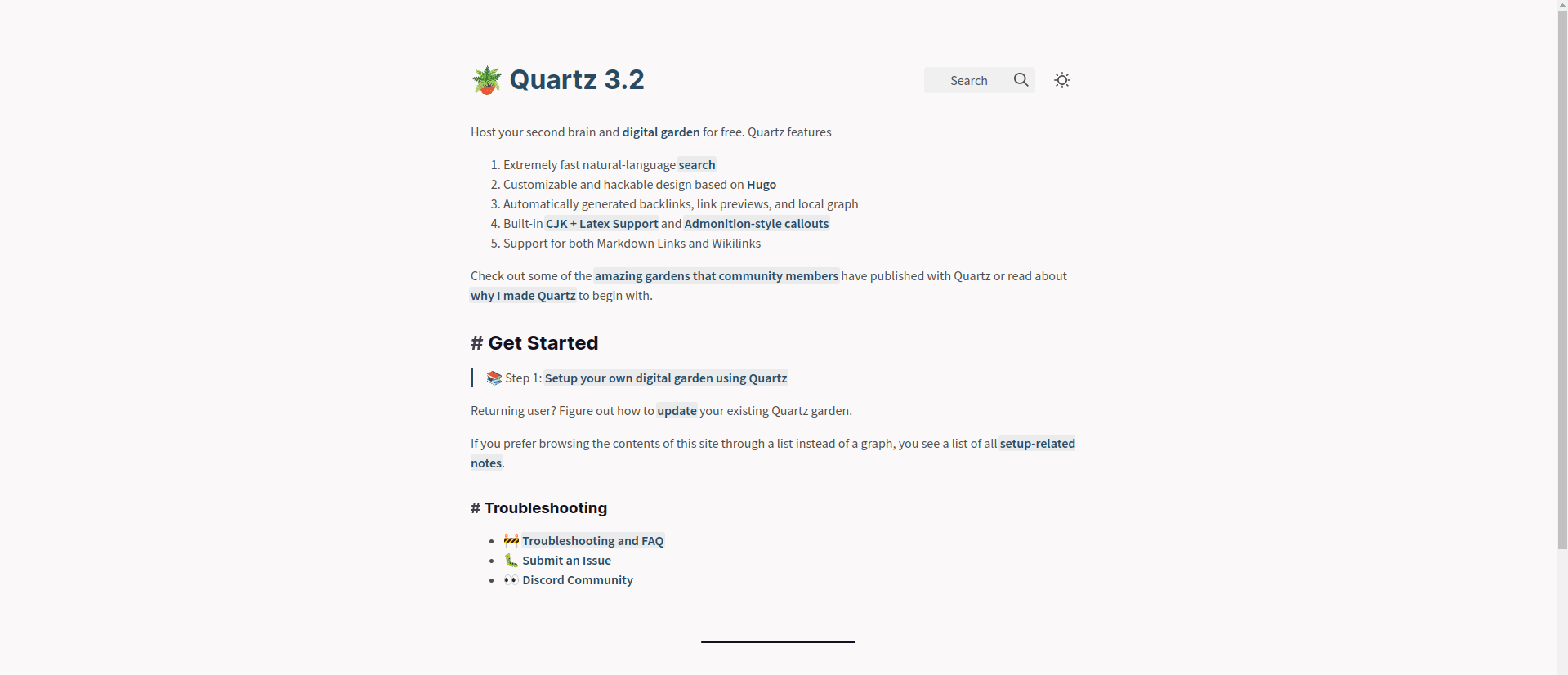
Quartz
🌱 host your own second brain and digital garden for free
- 🔗 https://quartz.jzhao.xyz/
- ⭐ 848 https://github.com/jackyzha0/quartz
- 📣 Jul 2022 - https://www.reddit.com/r/ObsidianMD/comments/onflb9/quartz_create_and_publish_your_obsidian_vault_for/
- 💤 Yes (v active)
- 💻 Static script using Hugo SSG to render
Pros
- Based on Hugo a mature, feature-rich SSG
- 🎨 Clean, elegant theme
- 🔍 good full text search
- you can add code block titles
- Nice philosophy section https://quartz.jzhao.xyz/notes/philosophy/
Cons
- installation process is full git plus you need to operate inside of the quartz structure
- again, you need to directly tweak CSS, no separation for future upgrades
Markbase
- 🔗 https://www.markbase.xyz/
- ⭐ 13 - https://github.com/markbaseteam/obsidian-markbase
- 📣 2022-06-26 - https://forum.obsidian.md/t/building-markbase-1-a-non-technical-obsidian-publish-alternative/39485
- 💤 Active
- 💻 Obisidan-plugin pushing to a bespoke backend (?)
Pros
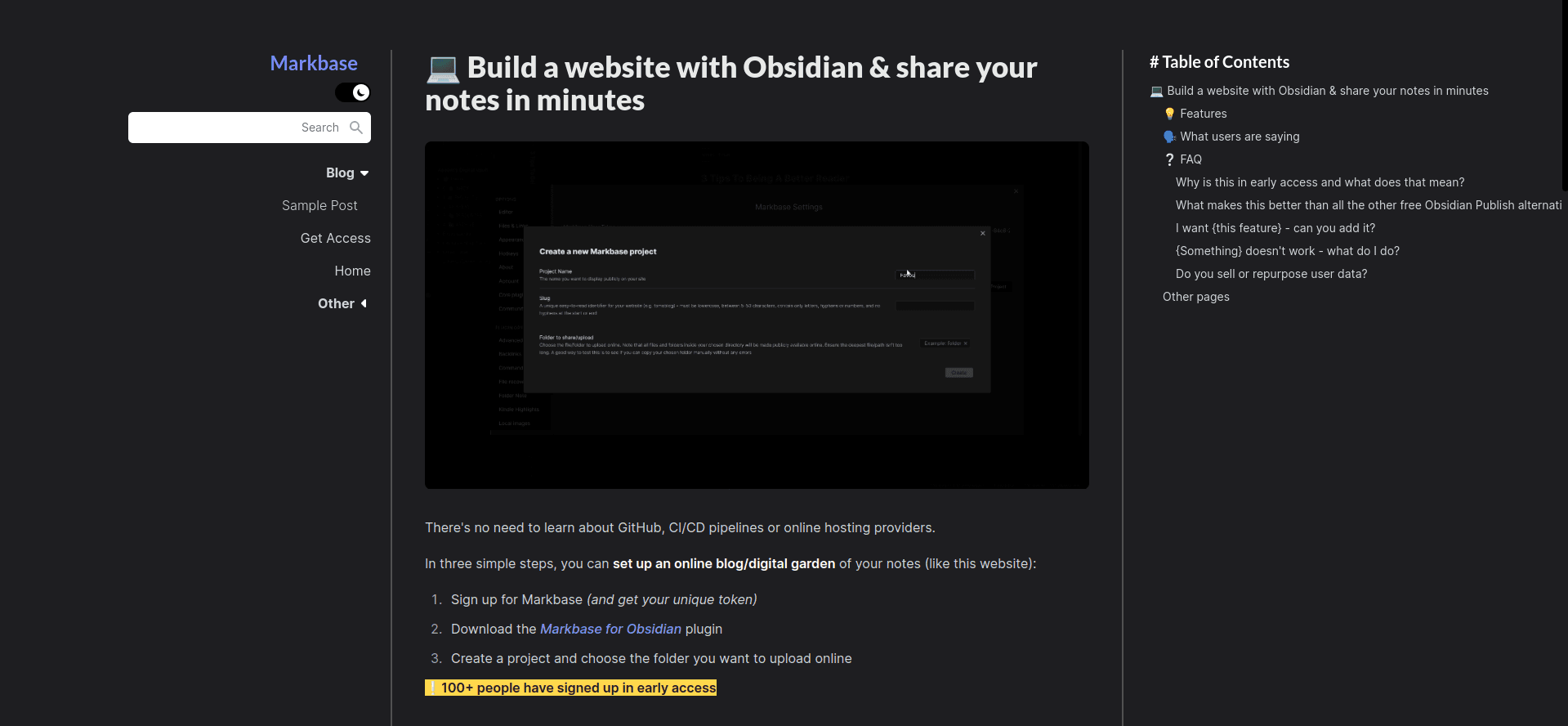
- Obsidian plugin so you can publish from within obsidian (no git etc required)
- good looking callouts
- good looking tables
Cons
- there will be a paid option if you want to customize it ($5/month, $49/year)
obsidian-userland/publish
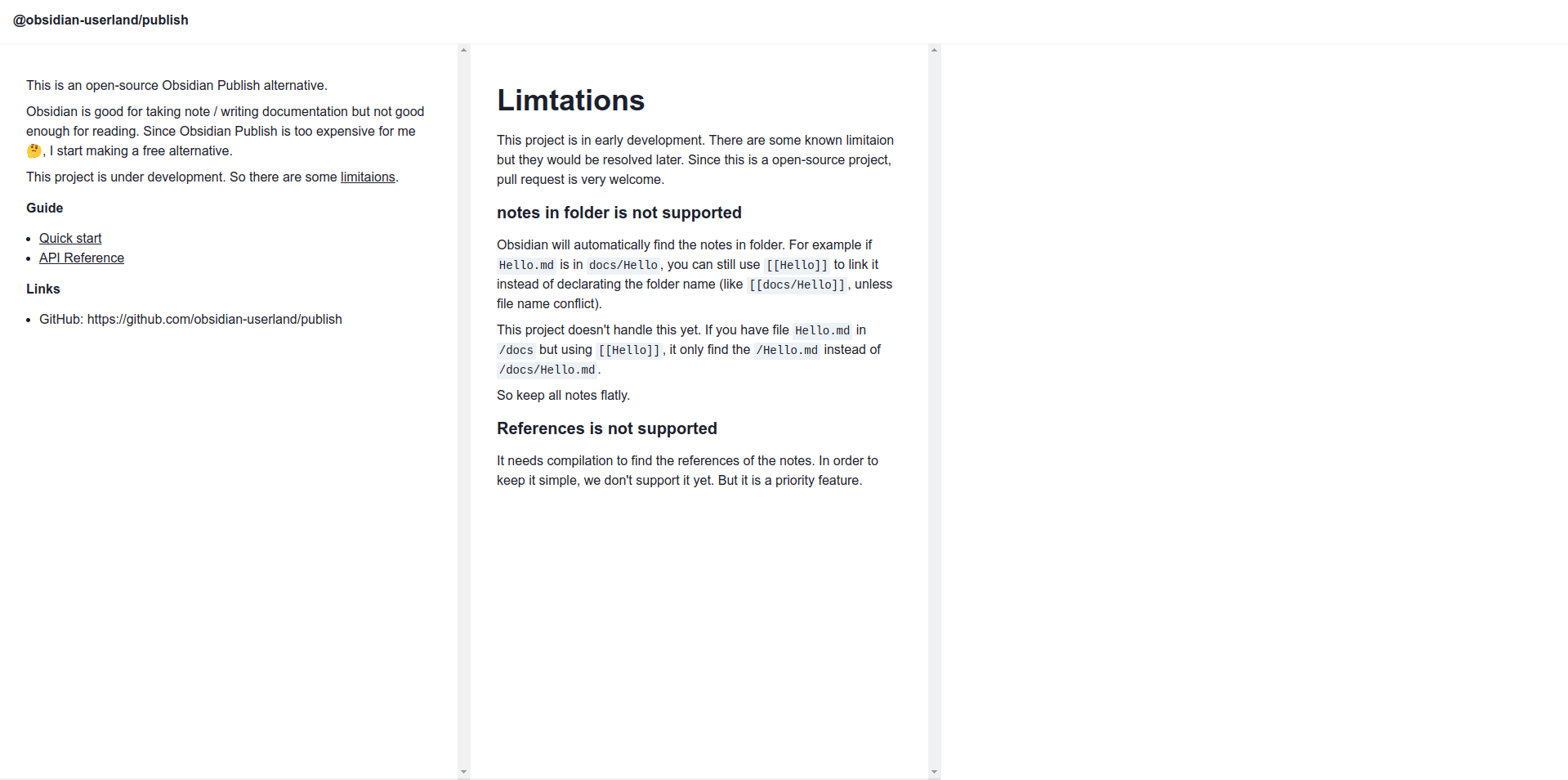
An open-source Obsidian Publish alternative. Obsidian is good for taking note / writing documentation but not good enough for reading. Since Obsidian Publish is too expensive for me, I start making a free alternative.
- 📣 Feb 2021 - https://forum.obsidian.md/t/i-made-a-open-source-obsidian-publish-alternative/12407
- ⭐ 176 - https://github.com/obsidian-userland/publish
- 💤 Inactive (the author switched to logseq)
Obsidian Mkdocs
Publish your obsidian vault through a python script.
Mkdocs Obsidian is an association between a python script and a Material mkdocs template to get a personal wiki site based on your Obsidian Vault.
- 📣 Dec 21 - https://forum.obsidian.md/t/obsidian-mkdocs-publisher-a-free-publish-alternative/29540
- ⭐️ 47 - https://github.com/ObsidianPublisher/obsidian-mkdocs-publisher-python
- 💤 active as of Aug 2022 based on comments on forum thread and updates
Comments
- Main site page 404s: https://mara-li.github.io/mkdocs_obsidian_template/
- Has worked to make an obsidian plugin that somehow connects to github actions to do publishing (?)
Metadata
This is the metadata we try to collect on each item.
- description
- screenshot
- metadata
- 🔗 primary url
- 📣 announce date and url
- ⭐ stars (plus github url)
- 💤 is it actively developed
- 💰 cost and/or license (if missing assume free and open source)
- 💻 tech approach summary e.g. is it js, what framework, script to static then publish
- comments
Analysis
What are common features (we can compare across)
- Syntax support i.e. markdown plus obsidian
- Default theme (look/feel)
- Customizability (themeability)
- Search
- Publishing control (e.g. show/hide pages)
- Links and network graph e.g. back/forward link info and overall graph
Attributes to sort by
- Date created
- Active-ness
- Cost/open-source