
Built-in changelog pages
Put dated Markdown files in a changelog/ folder, or keep a single CHANGELOG.md, and Flowershow renders a full timeline with no components or config.

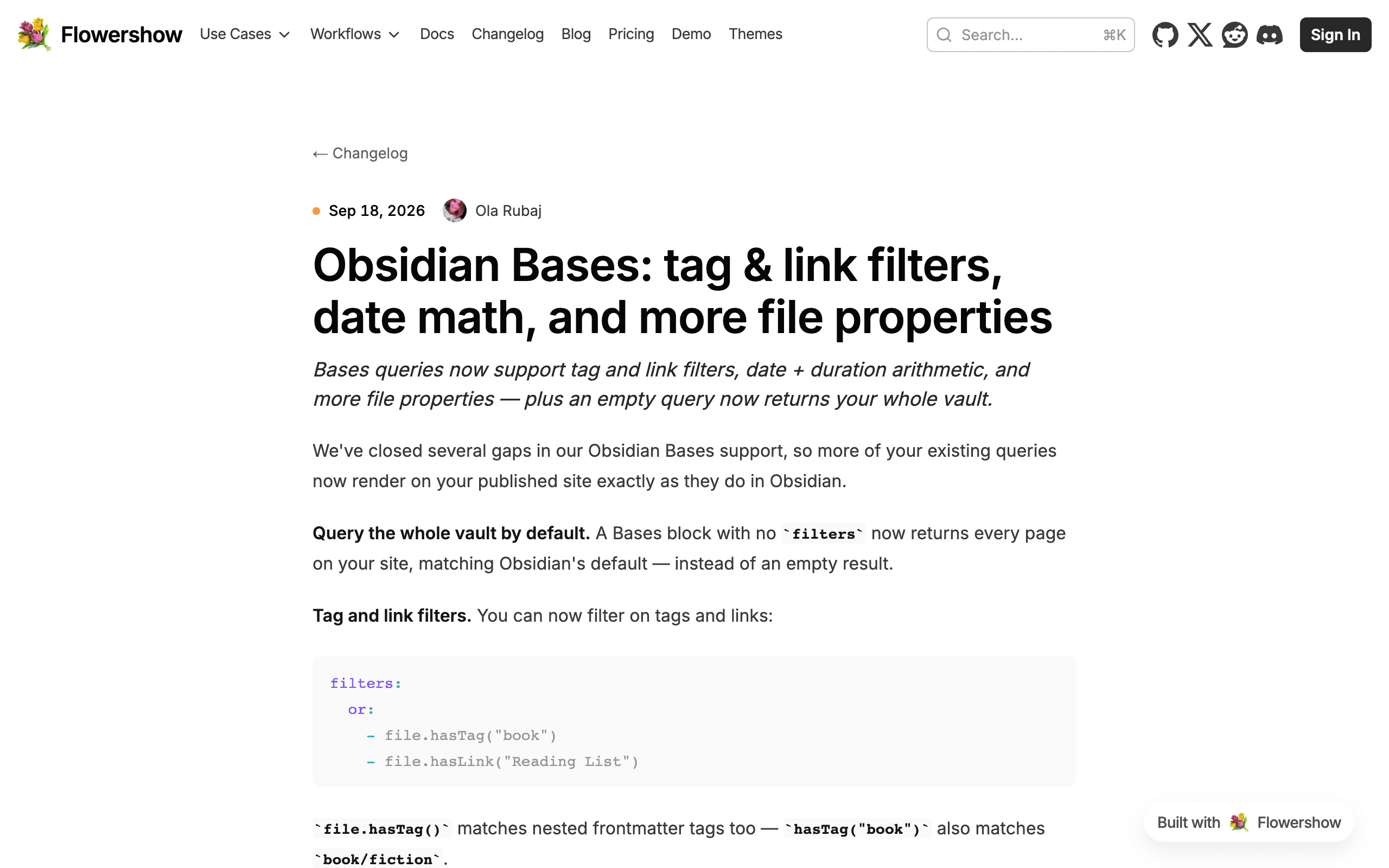
Your changelog now looks like one out of the box. Add a changelog/ folder of dated Markdown files and Flowershow renders it as a timeline at /changelog: newest first, with the date and authors beside each entry, then its title, summary, optional image and full content. This page is built with it.
- One file per entry. For example
changelog/2026-09-19-my-release.md, withtitle,date,description,authors,imageand an optionalversionin the frontmatter. If you leave outdate, it is read from the date at the start of the file name. - A page for every entry. Each entry also gets its own URL, with a link back to the changelog and links to the previous and next entries.
- Authors and pages. Authors are looked up in your
people/folder, the same way as blog posts. The timeline shows 10 entries per page, with?page=2and so on for older ones. - Your README is the intro. Any text in
changelog/README.mdappears above the timeline. With no README you still get a "Changelog" page. - Fits your theme. Colours and fonts come from your theme, and it works with all the official themes. To adjust spacing or the date marker, set the
--changelog-*CSS variables.
Any other folder can be a changelog too: add layout: changelog to its README.md, for example for a releases/ folder. To keep a changelog folder as ordinary pages, give its README.md a different layout, such as layout: default.
Prefer a single CHANGELOG.md? It renders as the same timeline: each version gets its own entry with its date, a link you can share (/CHANGELOG#1.2.0), and a Compare link when the heading has one. Keep a Changelog, Changesets, release-please and date-based headings all work without any configuration, and the file is also available at /changelog. To render another file the same way, add layout: changelog to its frontmatter.
If your changelog page used a <List> component, remove it: the timeline replaces it. See the changelog docs for the full reference.
