
Our blog, before and after: what a few lines of config can do
We rebuilt the Flowershow blog's front page with the new magazine view and public-domain cover art. The whole change is a few lines of frontmatter, and you can do the same on your site.

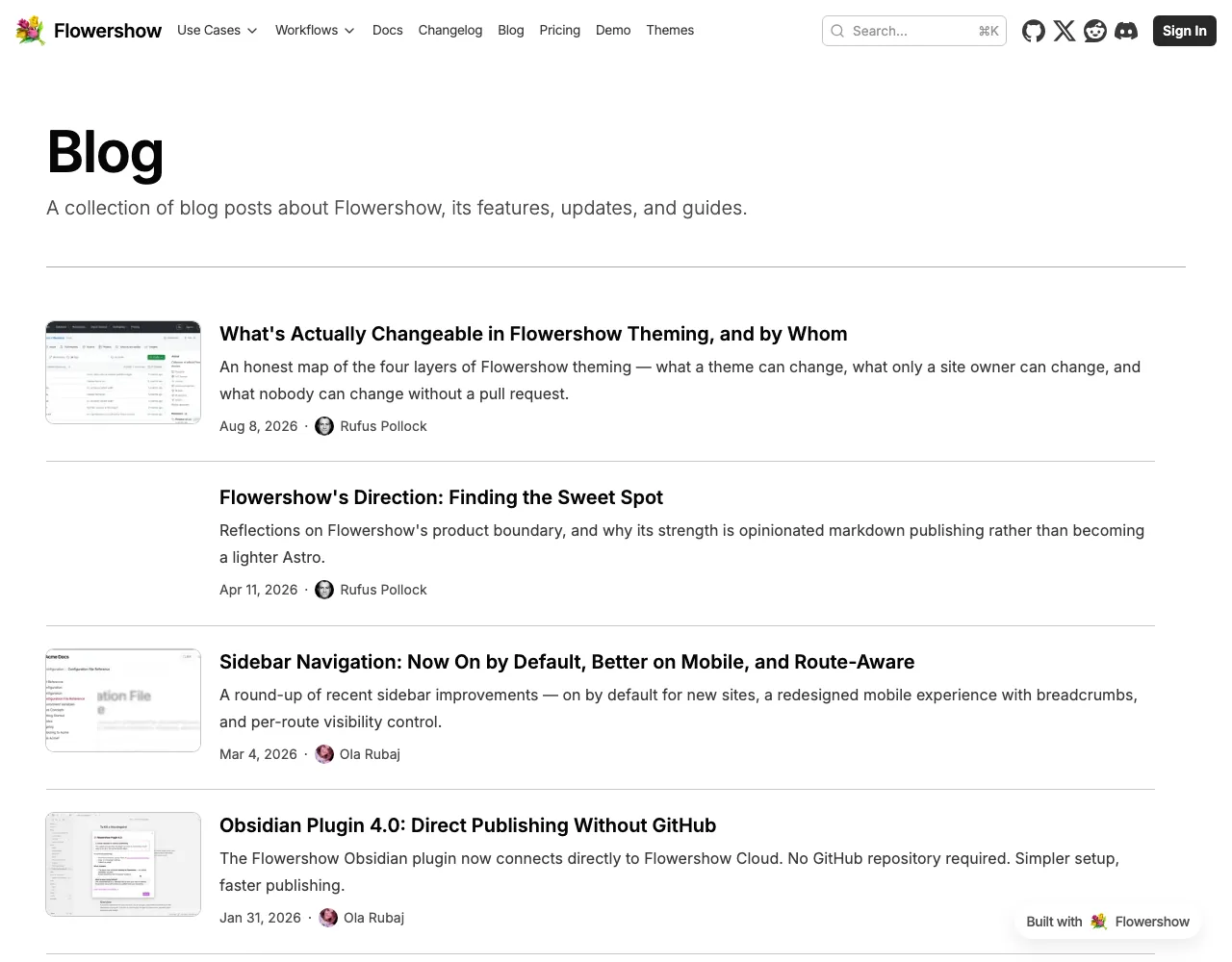
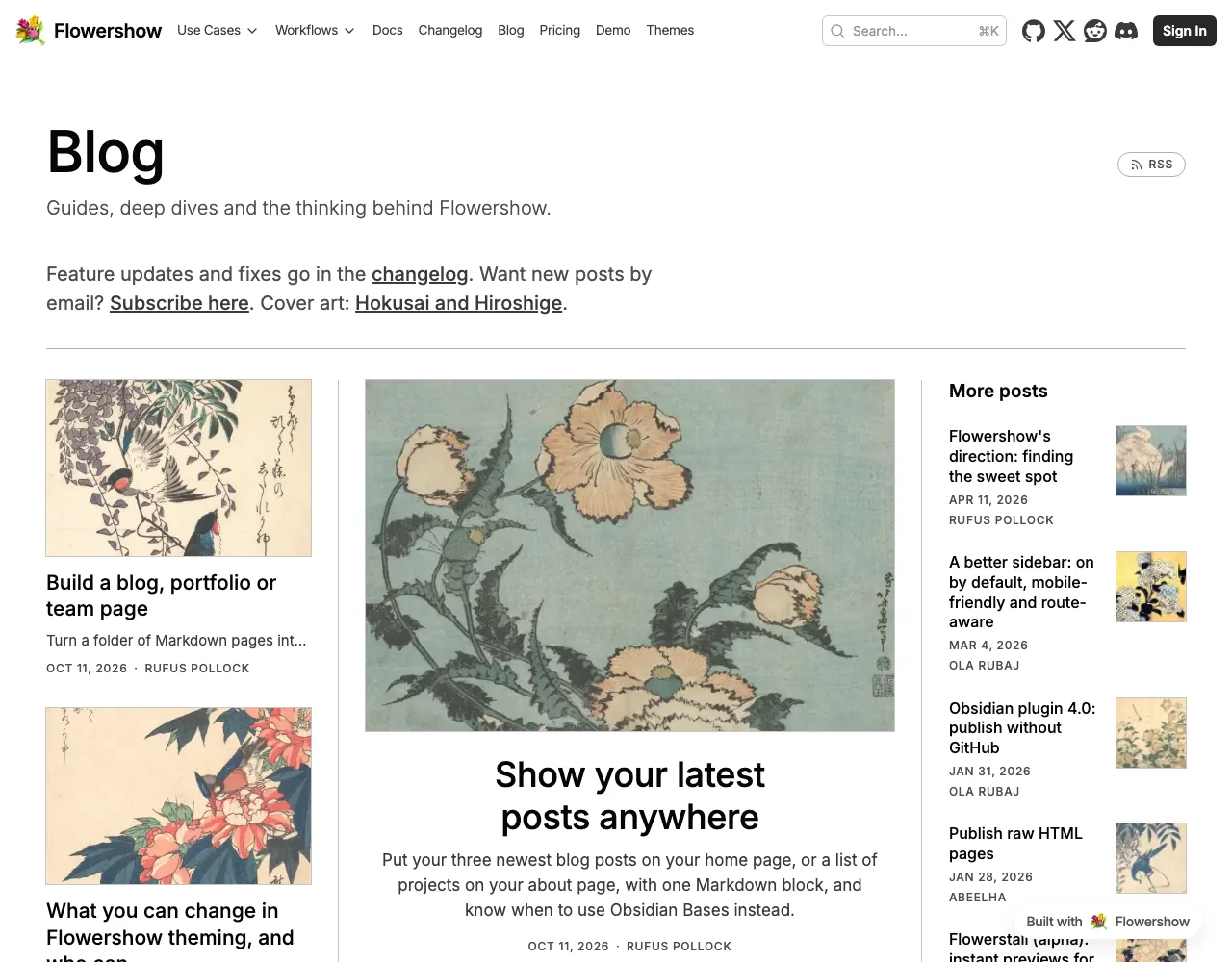
We gave the Flowershow blog a new front page. Before, it was one long column of posts with small screenshots. Now it opens like a magazine: a big lead story, two more beside it, a "More posts" column, then everything else grouped by year. Every post has its own cover, a Japanese bird-and-flower woodblock print by Hokusai or Hiroshige.
Before
After
The whole layout is in the blog's README.md:
---
title: Blog
description: Guides, deep dives and the thinking behind Flowershow.
layout: list
list:
  view: magazine
  featured: 1
  group: year
---
view: magazinegives the newspaper-style front page. It works with any number of posts, and on a phone it becomes one column.featured: 1puts the newest post in the big centre spot.group: yearadds a year heading to the rest of the posts.- Covers come from each post's
image:. One style of picture for every post makes the page look designed rather than assembled. Our prints are public domain, from the Met's Open Access collection, the Rijksmuseum and Wikimedia Commons; the full list is here. Posts without an image get a soft tile in your accent colour.
We also tidied the page: shorter, sentence-case titles, a one-line intro that points to the changelog for feature updates, and a link to subscribe instead of a full signup form.
See A magazine front page for your blog for what the view does, and Listing pages for every option.
